Where Budget › Concepts button
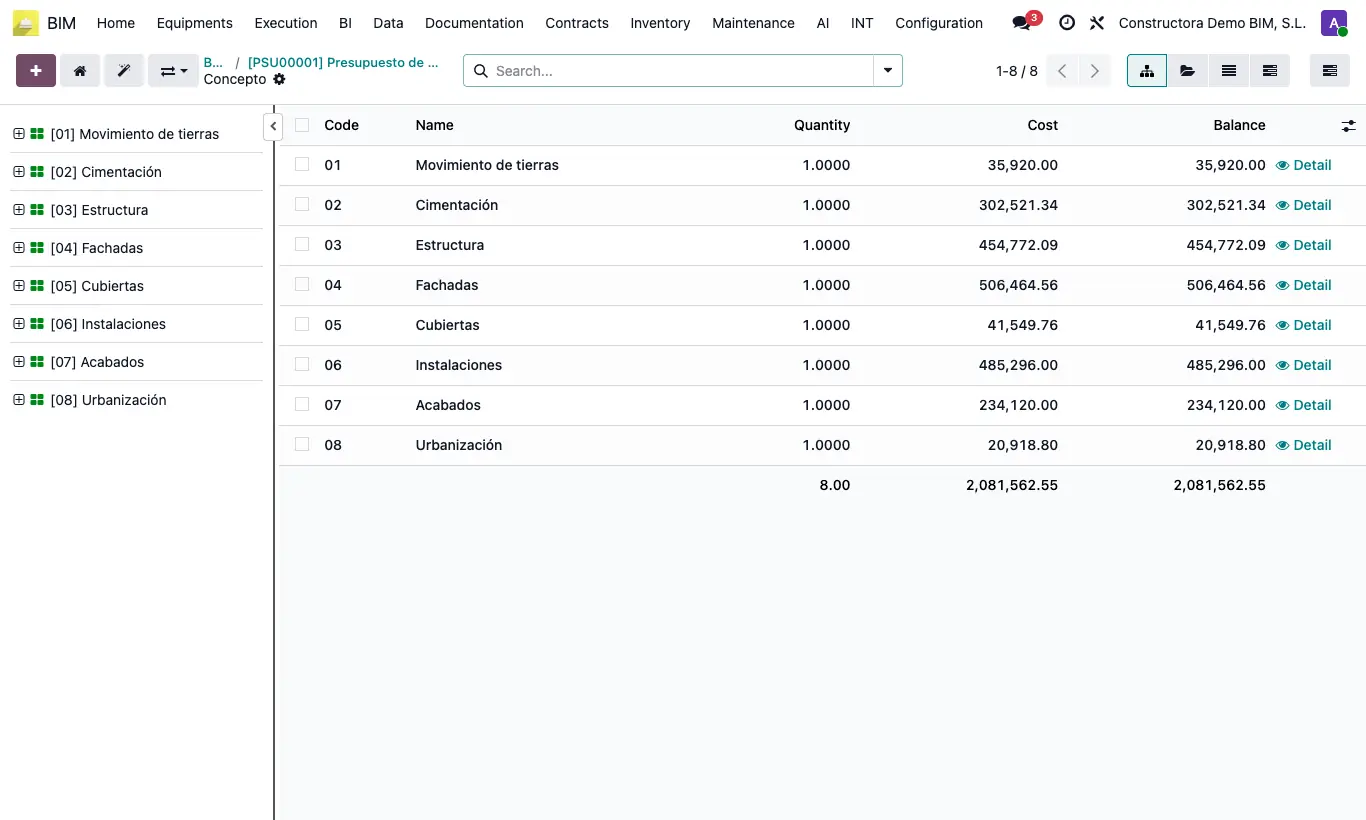
Steps
- In the tree, select any element that is inside the chapter you want to remove.
- Press Shift + Del or right click › Remove parent.
- Confirm the notice "The parent will be deleted and its children will move up one level".
- Press U to update the budget.
Warning
Only a parent of type chapter can be deleted.
If the chapter is on the first level, everything it contains must be a chapter: only chapters can exist on the first level.
Site note
To do the same from a form: the budget's Up. button › Delete Parent and choose the chapter.
The other way round, Create General (TL tab) puts the whole first level inside a new "General" chapter.