Where BIM › AI › Data › Sample Prompt
Before you start
AI profile.
Steps
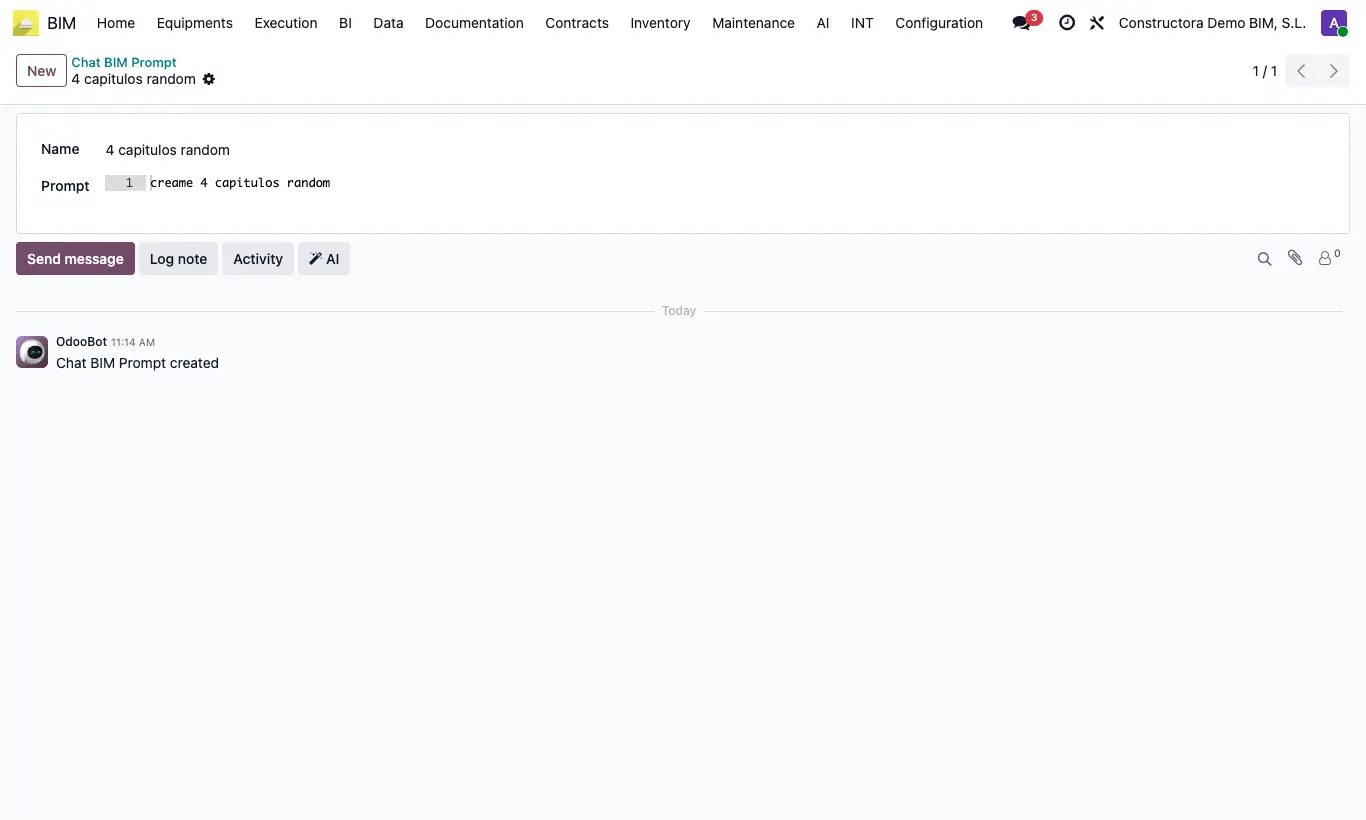
- Go to AI › Data › Sample Prompt and click New.
- Enter a short Name that says what it does, for example “Demolition items”.
- In Prompt write the full instruction, with the detail you want to repeat (units, number of items, format).
- Save. In ChatBim, choose the sample in Prompt Sample: its text is copied into the instruction and you can tweak it before you Execute.
Site note
Four come built in: “4 capitulos random”, “5 partidas random”, “4 materiales random” and “Crear Presupuestos Básicos”. Use them as a model.