Where BIM › Config › General Config › BIM Mass Edit
Before you start
BIM Manager profile.
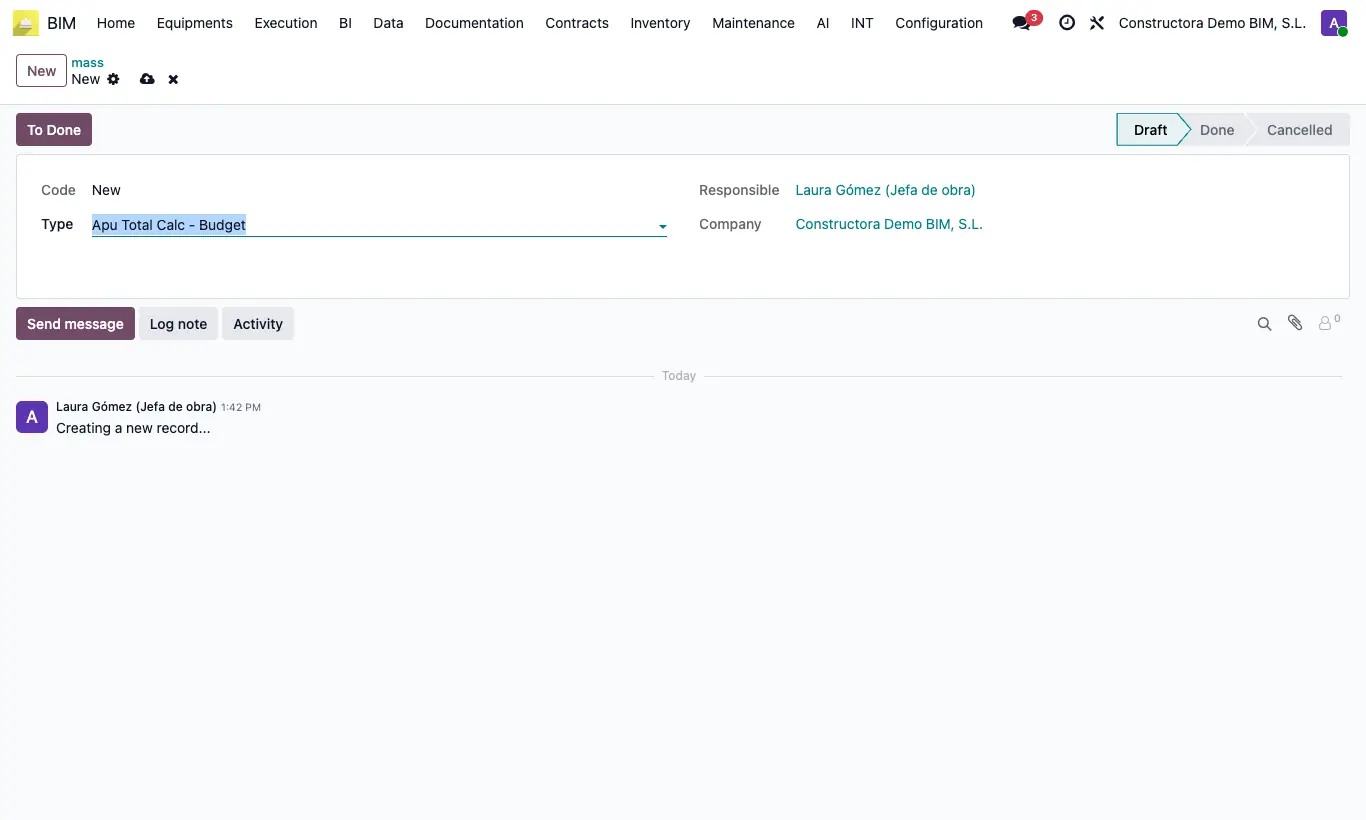
Steps
- Go to Config › General Config › BIM Mass Edit and click New.
- In Type choose Apu Total Calc - Budget or Apu Total Calc - Partidas.
- In the budgets box, below the header, add the budgets you want to change. Only those of your company are offered.
- Click To Done.
- Click UPD in the budgets you want to recalculate.
Warning
With no budgets chosen, To Done warns "Select the budgets you want to update.".
Once Done, the record can no longer be edited: for another change create a new one.
Site note
It only changes the Apu Total Calc field (ST tab) of the chosen budgets.
For a single budget, change Apu Total Calc in its ST tab.