Where Document › Reviews tab
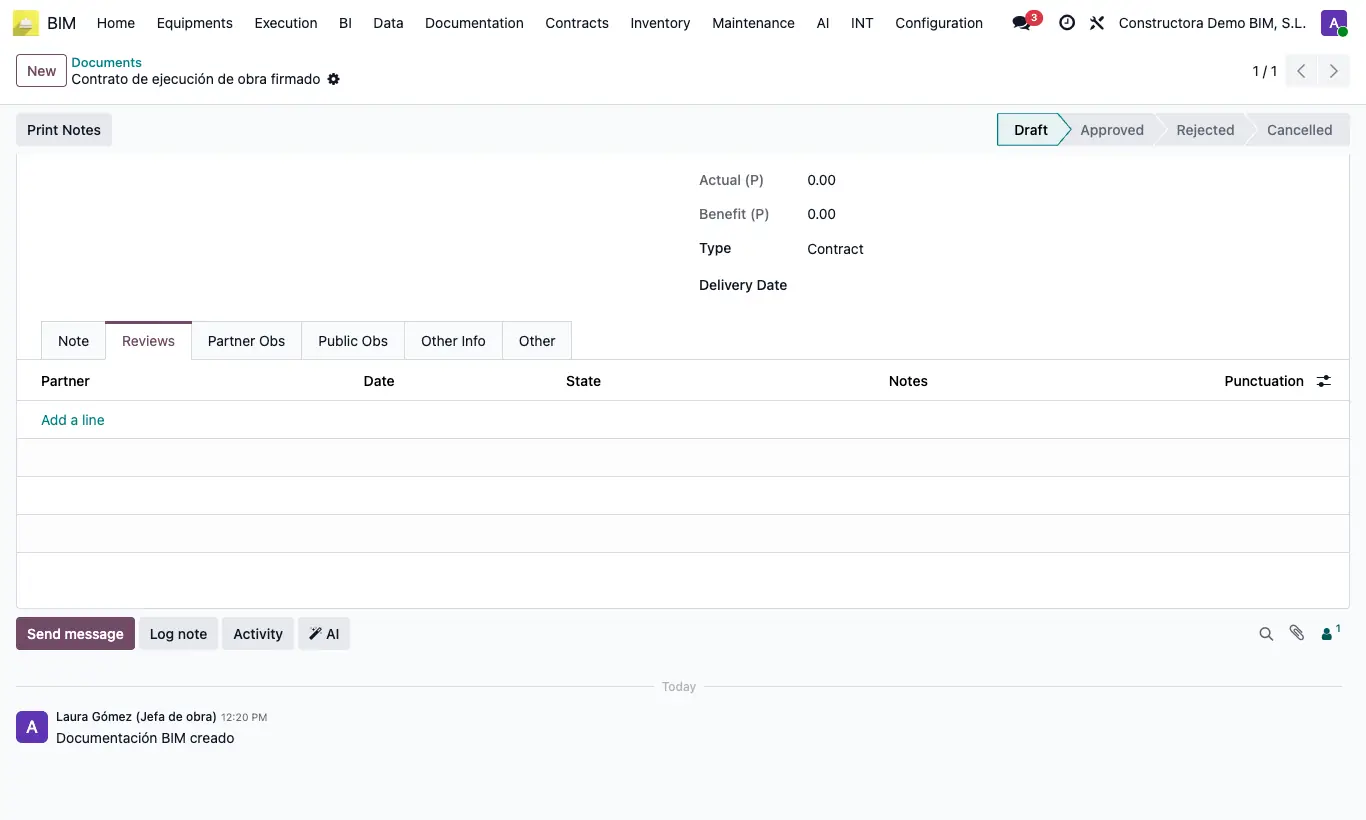
Steps
- Open the document and go to the Reviews tab.
- Add one line per review: Customer (the reviewer), Date and State (Draft, Approved or Rejected).
- Enter the Notes and the Punctuation (10 by default).
- The document's Punctuation is the average of its reviews.
- When the content changes, upload the new file and increase the Rev.
Site note
The Partner Obs and Public Obs tabs separate what the customer says from what can be published.