Where BIM › Documentation › Document › Document
Steps
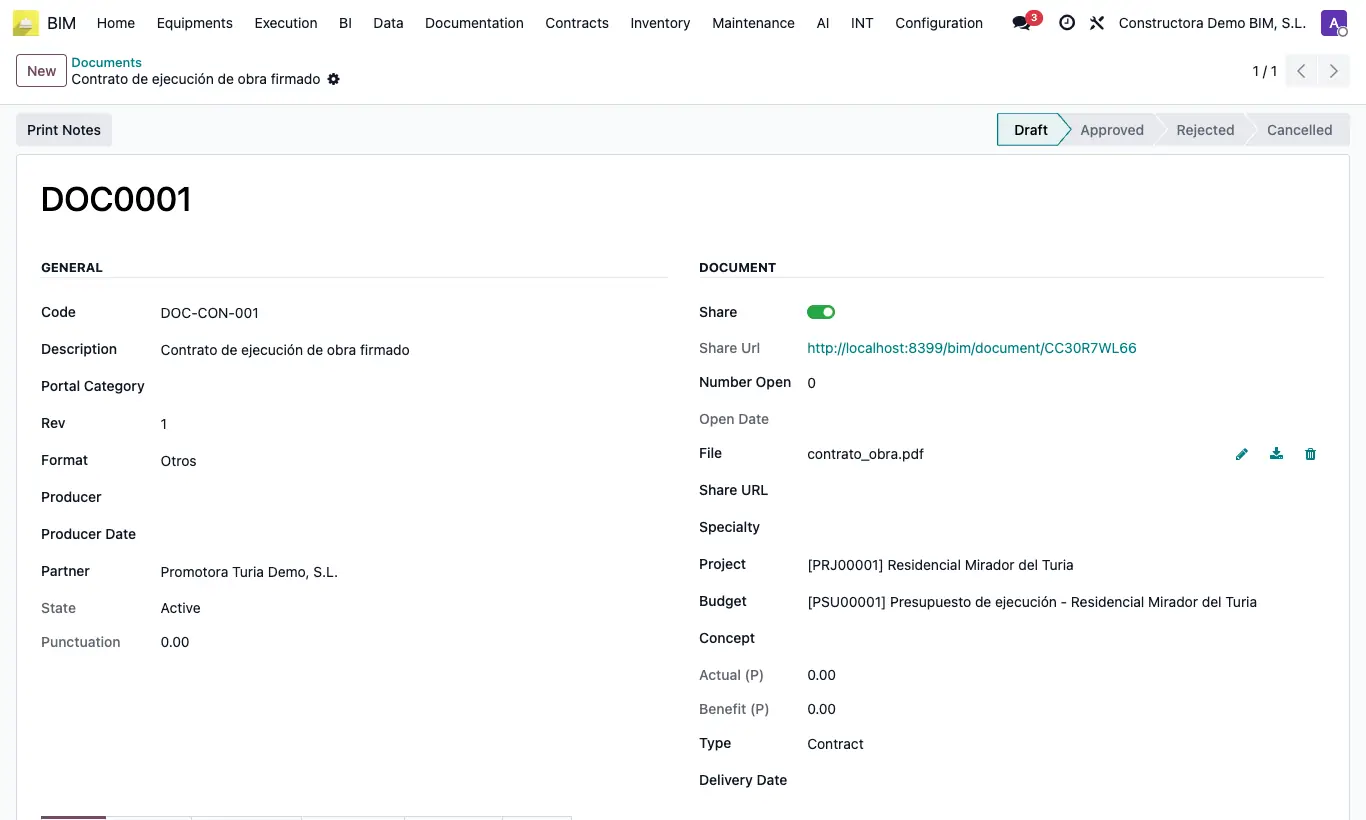
- Open the document and check that it has a File.
- Enable Share.
- Copy the Share Url and send it to whoever needs to see it: they do not need a user.
- Each time someone opens or downloads it, Number Open and Open Date go up.
- To withdraw access, disable Share: the link stops working.
Warning
Anyone who has the link can open the document: do not share confidential information this way.
Site note
In the Other tab, File URL is the direct download link of the file.
In the BIM Portal and in the BIM Customer Portal app, customers only see the documents that have Share enabled.