Where E. Documents app
Before you start
BIM employee documentation profile.
Steps
- Optional: in E. Documents › Config › Categories create categories with the Name and, in Documents, the papers each position requires; assign it on the employee form, Doc . Category field.
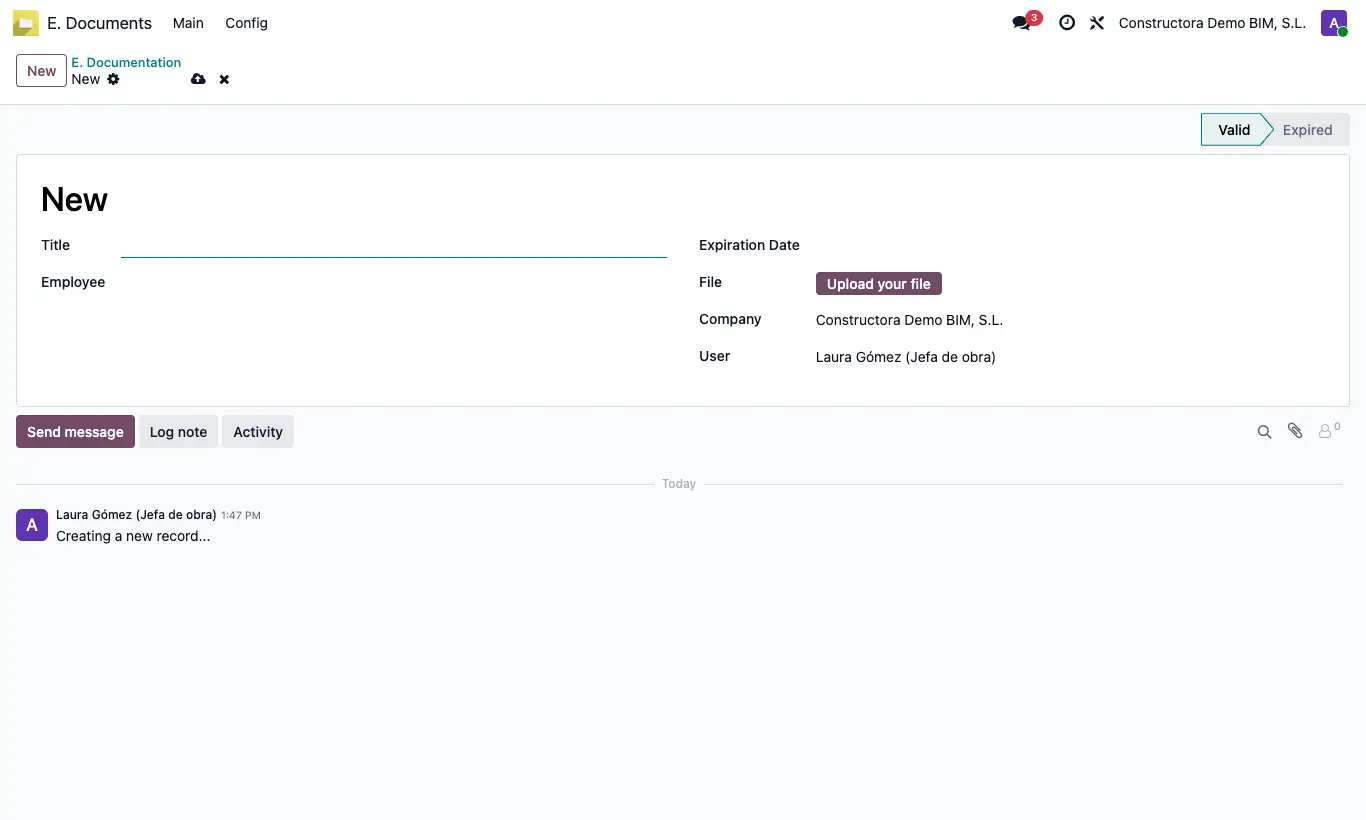
- Go to E. Documents › Main › Document and click New.
- Type the Title, choose the Employee and the Expiration Date.
- Upload the File and save.
- The status becomes Valid or Expired depending on the date, and each day the ones that have expired change to Expired on their own.
Warning
The change to Expired happens once a day: a document that expires today appears expired from tomorrow.
Site note
From the employee form, the documentation button shows only their documents.