Where Gantt › Network button · Budget › Scheduling tab › Network diagram
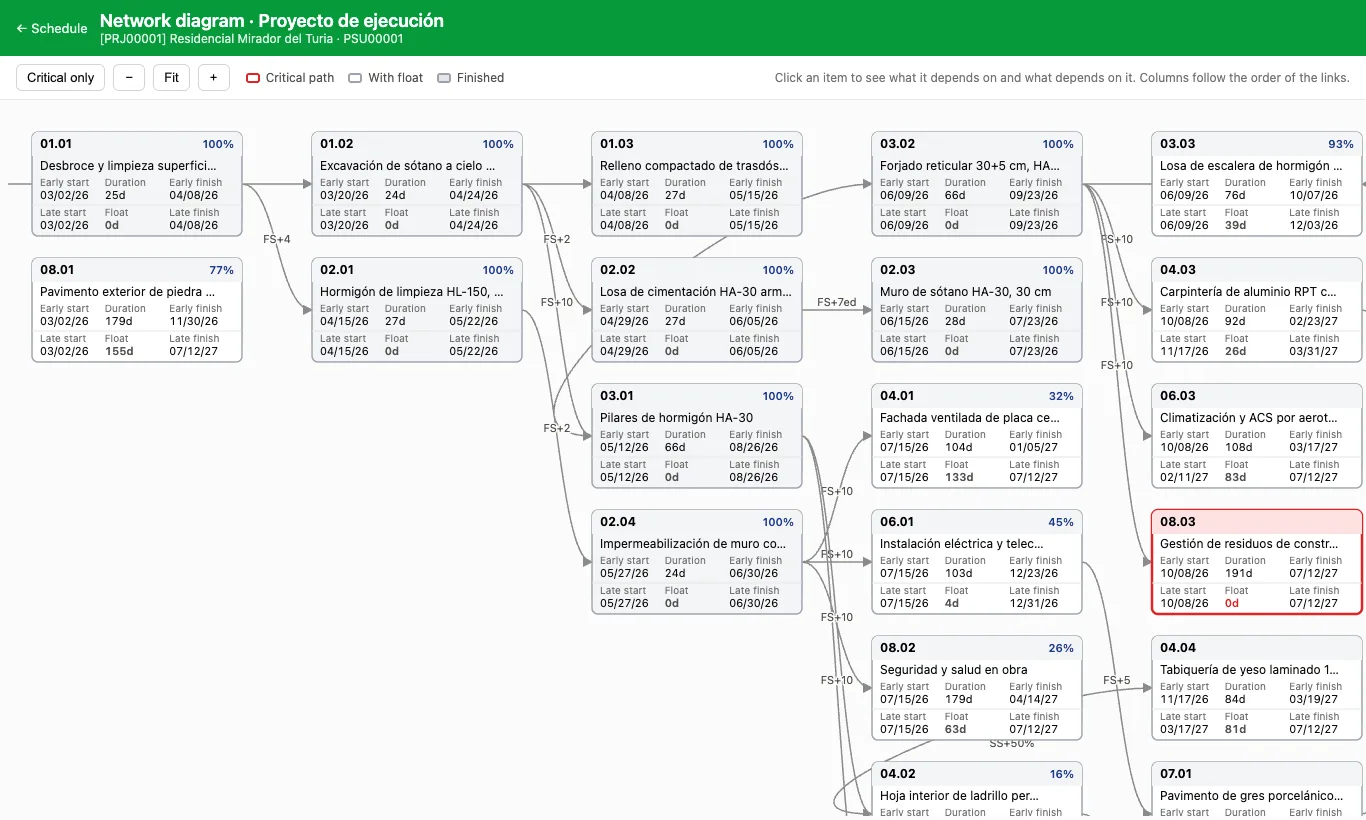
Steps
- In the Gantt click Network.
- Each box shows early start and finish, duration, late start and finish and float. The critical path is in red; finished items, in grey.
- Click an item to highlight what it depends on and what depends on it. Click again to clear it.
- Use Critical only, −, + and Fit to focus on what matters.
Site note
Columns follow the order of the links: the first one holds the items without predecessors.