Where Inventory › Operations › Transfers
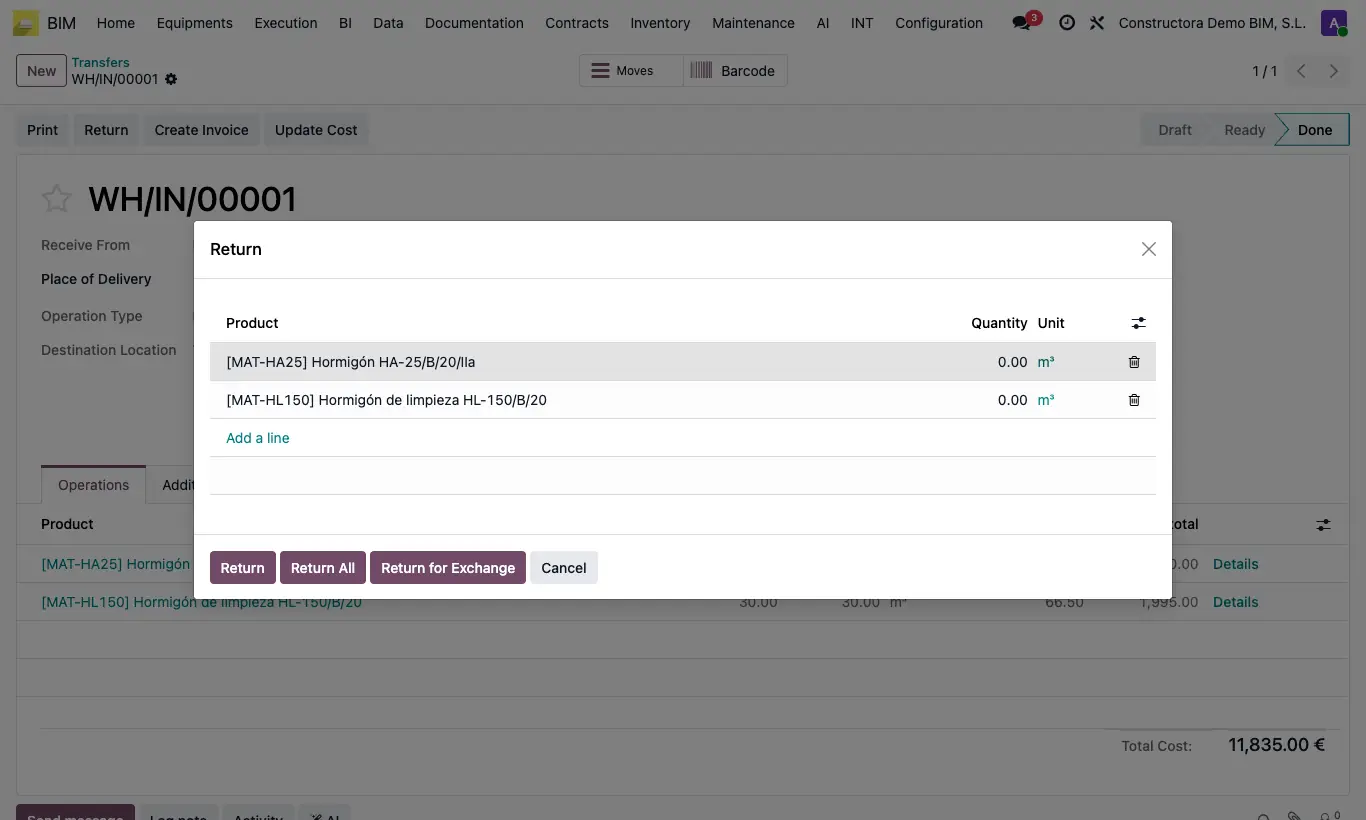
Steps
- Open the validated delivery note and click Return.
- Enter the quantities you are returning and confirm.
- Open the return: it is marked as a return and copies the Bim Project, the Budget, the Item and Include for BIM from the original (Additional Info › BIM Information tab). Review them.
- Validate the return.
- Click UPD on the project or the budget to see the updated cost.
Warning
If you do not want the return to change the project cost, untick Include for BIM on it before validating.
Site note
If you return material from an outbound included in BIM, its cost is subtracted from the item's and the budget's consumption.