Where CRM › Opportunity › Project Manager field
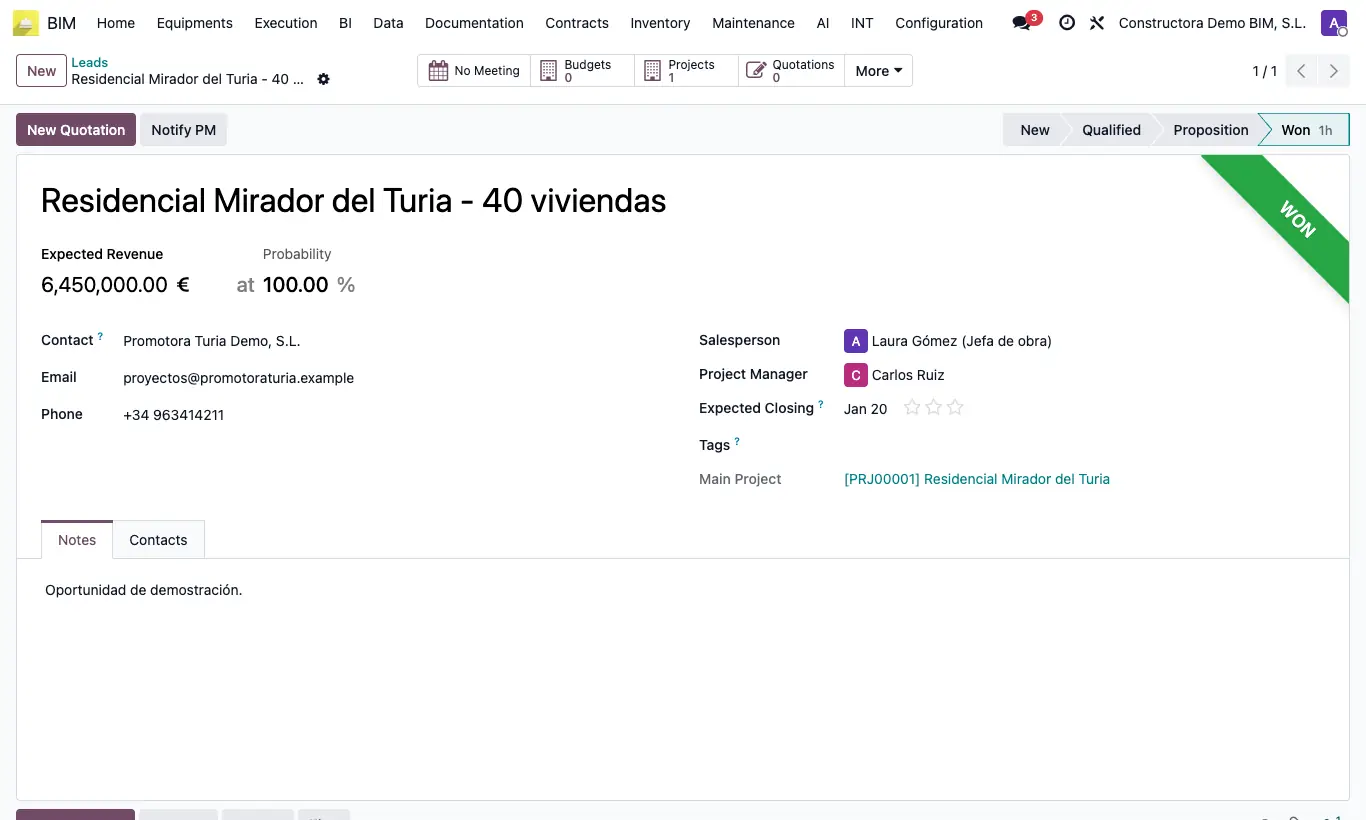
Steps
- Open the opportunity.
- In the Project Manager field, next to the salesperson, choose the user.
- Save. The user receives a notice in their Odoo inbox.
- To notify them again, click Notify PM in the header.
Site note
The Project Manager also appears on the CRM Kanban cards.
When you create the project from the opportunity, the Project Manager becomes its project manager.