Where Bim Project › Budgets button
Steps
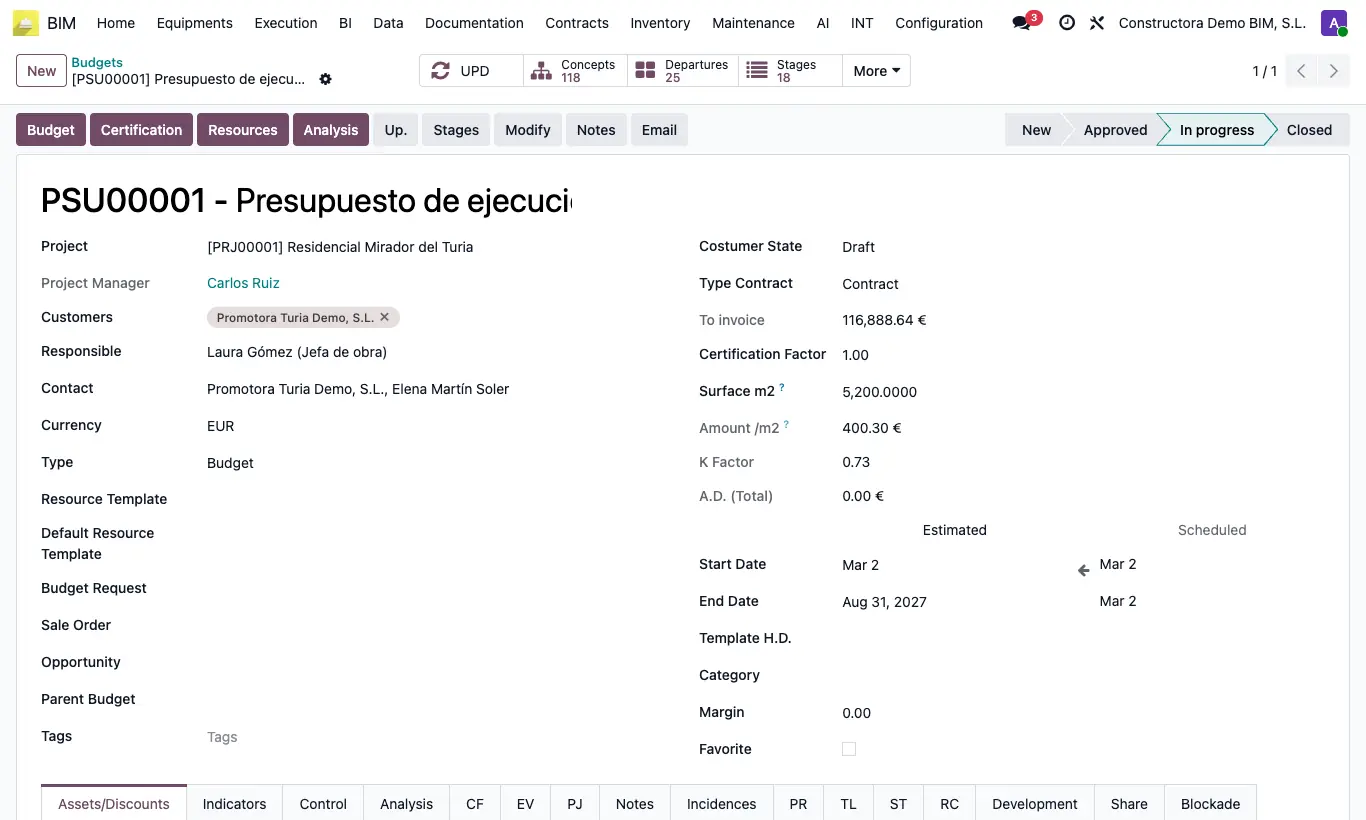
- Open the project and click the Budgets button.
- Click New and enter the name, start and end dates, and type.
- Save and click Concepts to open the tree.
- Create the first chapter.
Warning
Totals are not recalculated automatically. After changing prices or quantities, click UPD.
Site note
Budgets are also at Home › Projects › Budgets.
The Budget, Certification, Resources and Analysis buttons generate reports; Stages creates the certification calendar.