Where BIM › Home › Projects › Projects
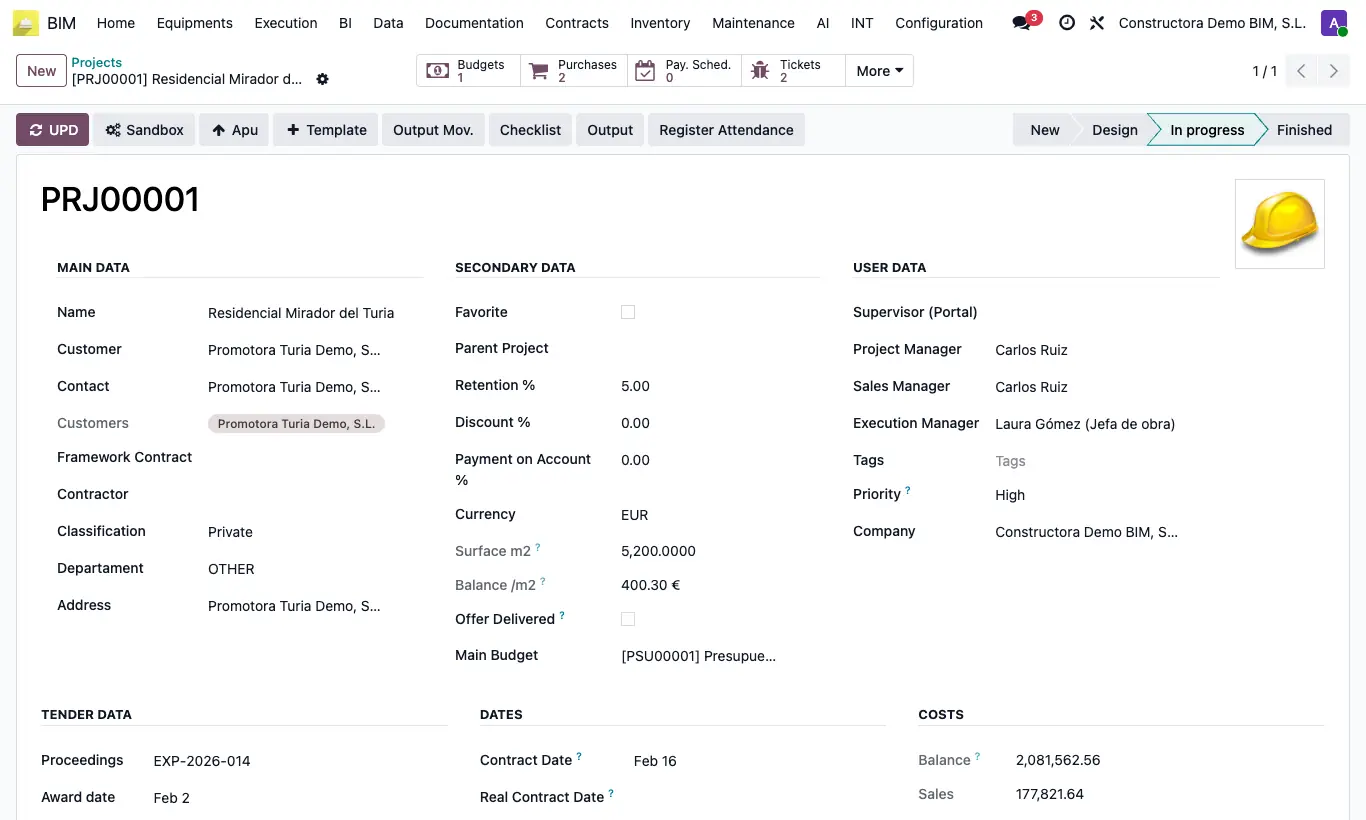
Steps
- Go to Home › Projects › Projects.
- Click New.
- Type the project name and choose the Customer.
- Enter the Departament, if your company requires it.
- Fill in the start date in the Dates block.
- Save. The PRJ code is assigned automatically.
Site note
When the project is created, its analytic account is generated, which collects the expenses.
If you come from an opportunity, create it from the CRM so you do not repeat data.