Where BIM › Equipment › Equipment › Equipment
Before you start
A product with Resource type Equipment for the machine. A rate created if you use one.
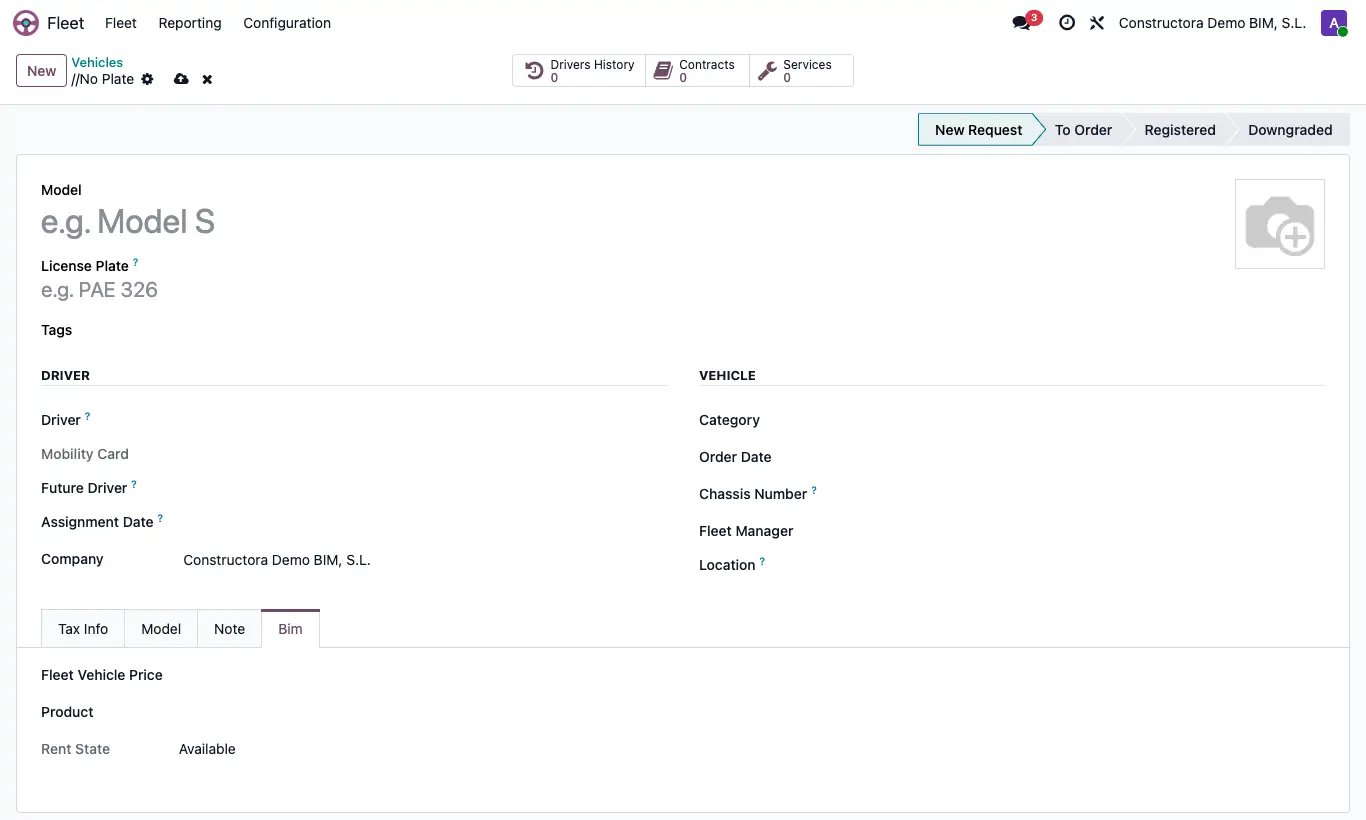
Steps
- Go to Equipment › Equipment › Equipment and click New.
- Fill in the fleet data: Model, Plate number, Driver…
- In the Bim tab choose the Fleet Vehicle Price and the Product (only resources of type Equipment appear).
- Save. Rent State shows whether it is Available or Rented.
Site note
The Product is copied when you put the equipment on a daily report (Equipments tab) and is used when invoicing its rental.
The rate gives the price per kilometre of trips and the rental price.