Where Inventory › Operations › Transfers
Before you start
Delivery Note Cost profile to see costs and the button.
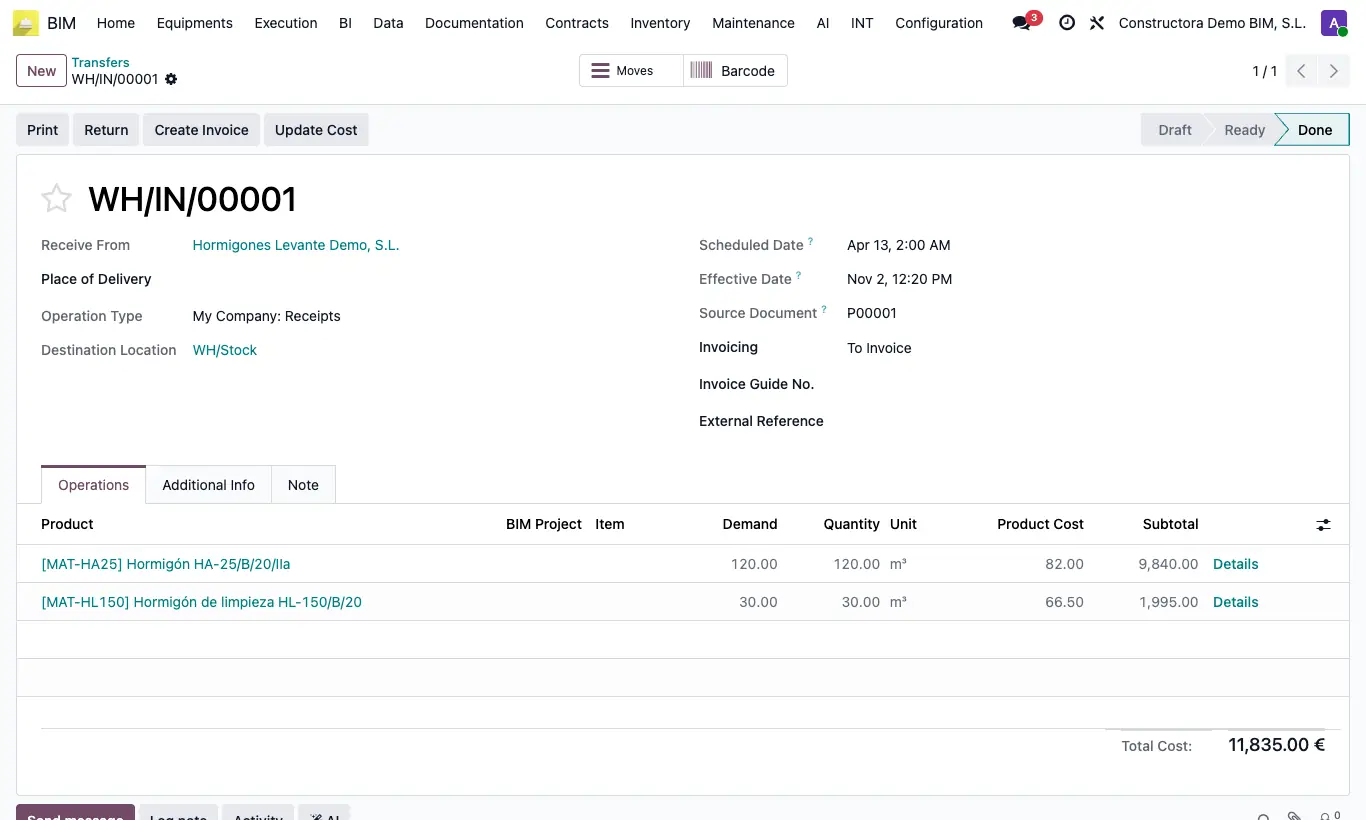
Steps
- Open the delivery note: on the lines you will see Cost and Subtotal, and below the Total Cost.
- By default the cost is the purchase order price (with its discount); if there is no order, the product's cost.
- Turn on Use Cost if you want it always valued at the product's cost.
- Click Update Cost to recalculate. For several, select them and use Actions › Update Total Cost.
Site note
The optional Assets Qty column deducts units from the delivery note's cost.