Where Budget › Concepts button
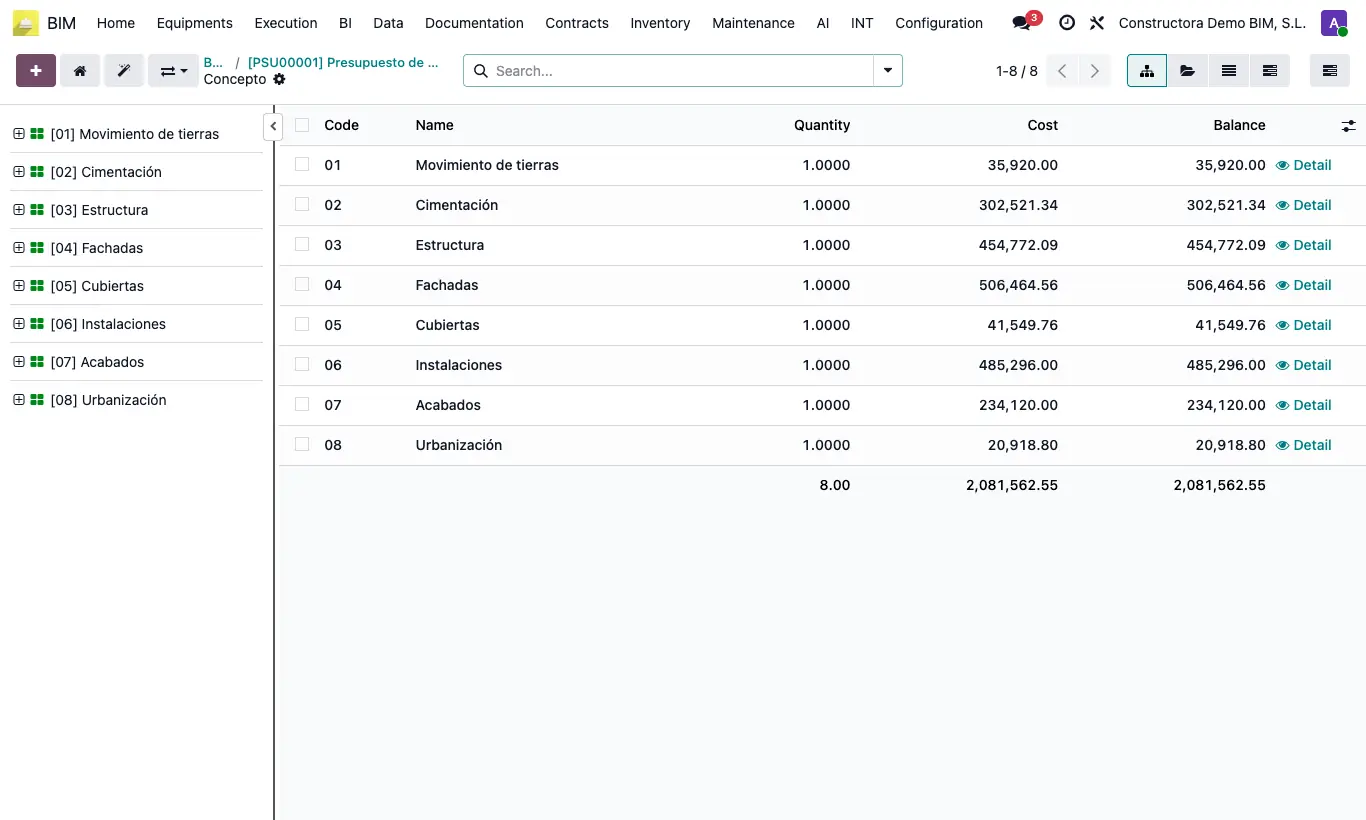
Steps
- In the tree, select what you want to copy: resources, items or chapters. With Ctrl or Shift + click you choose several.
- Press Ctrl + C (or right click › Copy). To move instead of copy, use Ctrl + X (Cut).
- Select the destination: the item that will receive the resources or the chapter that will receive the items. It can be in another budget: open its tree.
- Press Ctrl + V (or right click › Paste). Everything hanging from each element is copied.
- Press U to update the budget.
Warning
At the first level of the tree only chapters can be pasted.
A concept cannot be pasted inside itself or inside one of its children.
paste data in all concepts only accepts resources copied from the same budget; with an item or a chapter, "You cannot paste items or chapters" appears.
Site note
What you copied stays on your clipboard: you can paste it in several places in a row. What you cut is pasted only once.
To put the same resource in all items: copy it with Ctrl + C, go to the budget's TL tab and click paste data in all concepts.