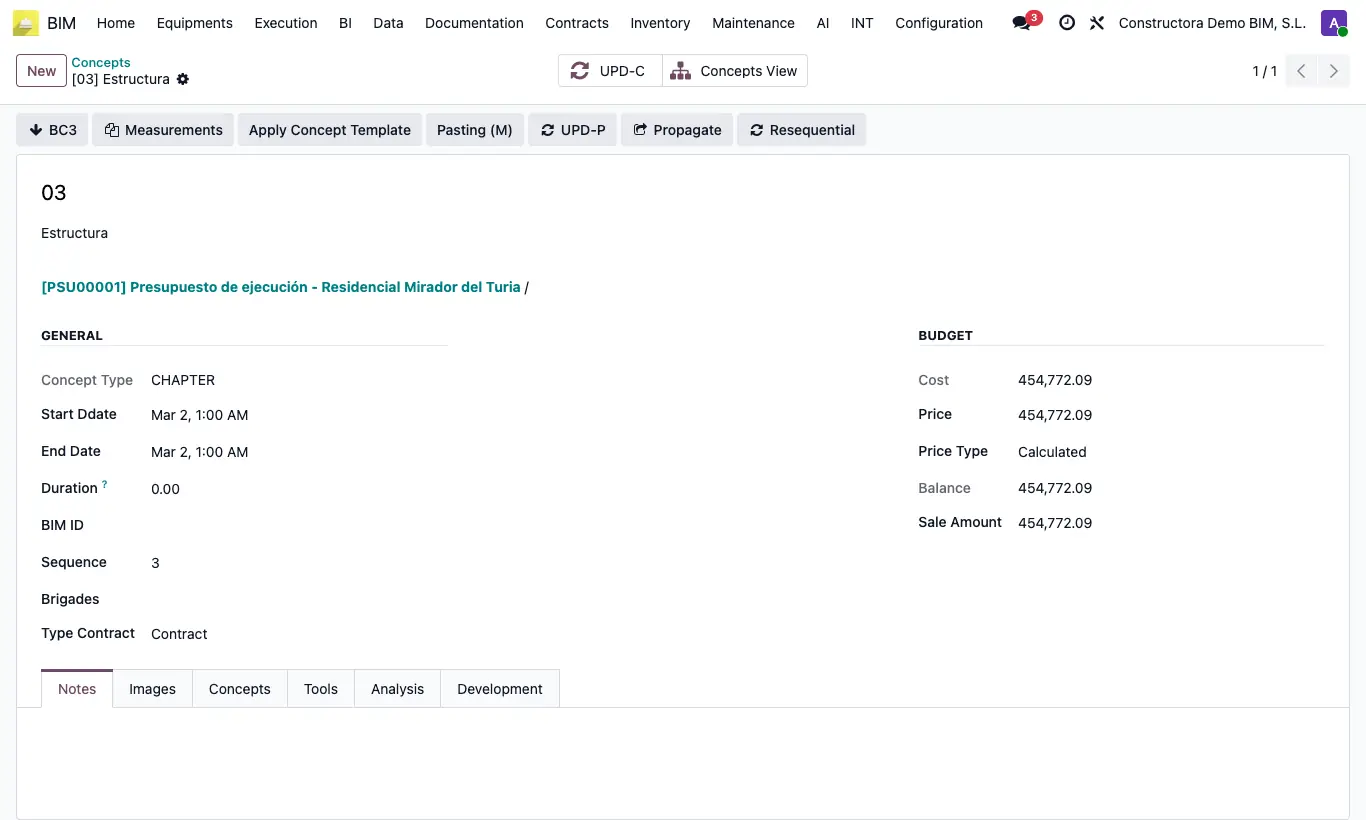
Where Chapter › Pasting (M) button
Steps
- Check what you want to copy in its list: items (Home › Projects › Concepts), unit prices (Data › Concept Template › Concept Template) or budgets (Home › Projects › Budgets).
- Open Actions and choose Copy (M). Review the list and click Copy.
- Open the destination chapter (in the tree, press Enter on it).
- Click Pasting (M): one item is created for each copied element, with its resources.
- Click UPD in the budget.
Warning
After pasting, the copy is emptied: to paste into another chapter, use Copy (M) again.
Site note
If you copied budgets, all their items are pasted into the chapter.
You can gather items, unit prices and budgets in the same copy.