Where BIM › Home › Management › Analytic Accounts Control
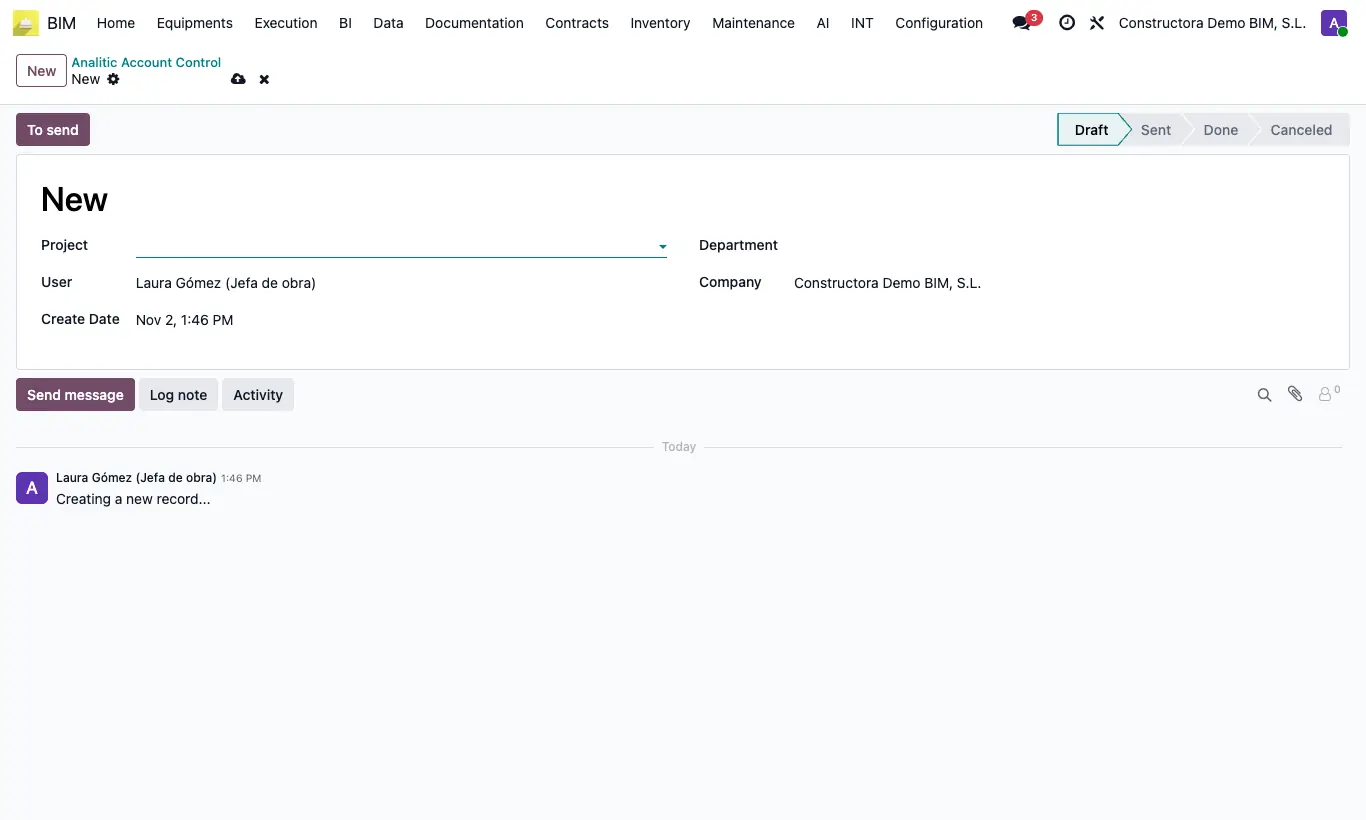
Steps
- Click New and choose the Project (only projects without an analytic account appear). Set the Department if applicable.
- Click To send: it moves to Sent and the account fields appear.
- Whoever creates it enters Analytic Code and Analytic Name.
- Click To Done: the analytic account is created and assigned to the project.
Warning
An analytic plan is needed in Accounting; otherwise it warns “You must configure an analytic plan”.
Without an analytic account on the project, its vendor bills add no cost.