Where BIM › Home › Projects › Frameworks Contracts
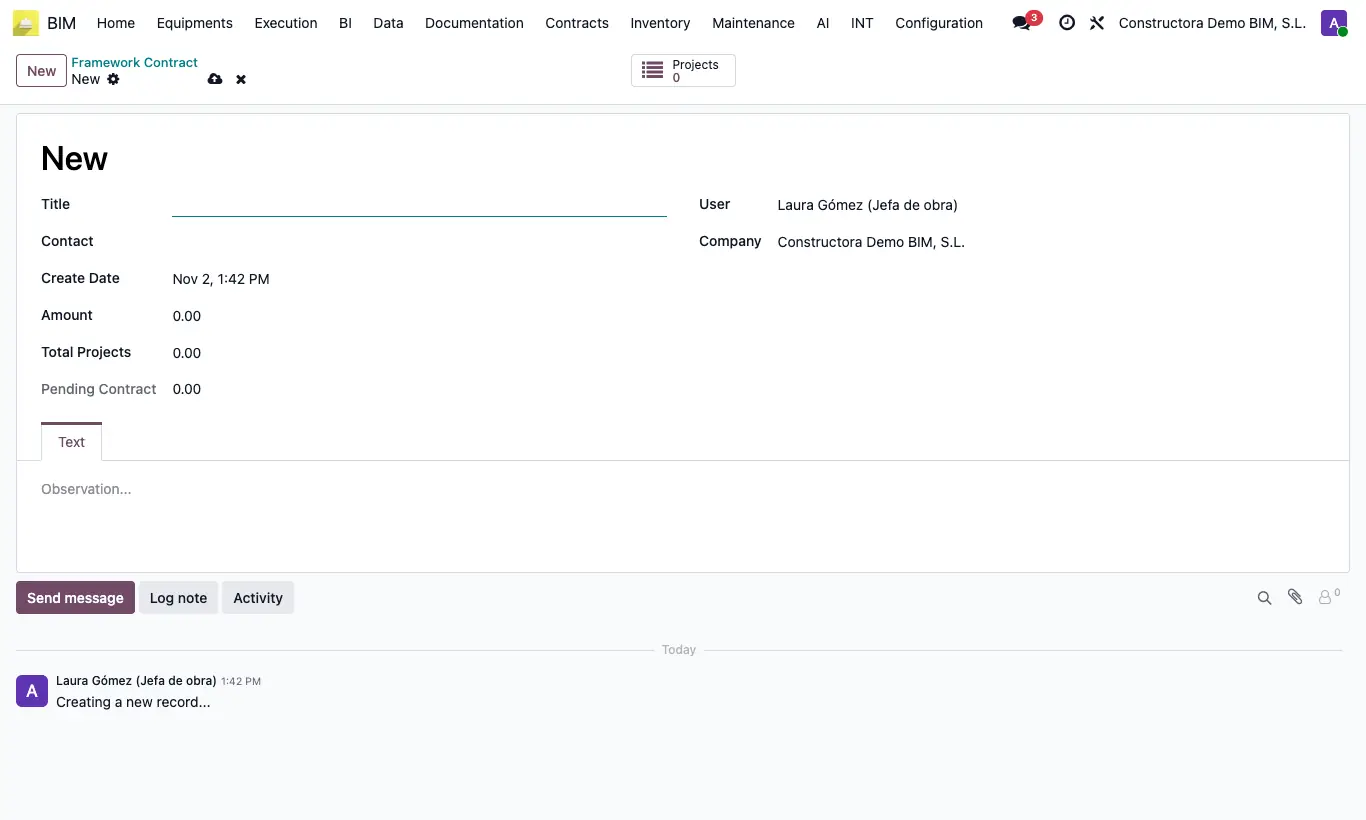
Steps
- Go to Home › Projects › Frameworks Contracts and click New.
- Fill in the contract Title, Contact and Amount. The remark goes in the Text tab.
- Save. The code is assigned automatically.
- In each project that depends on the contract, choose the Framework Contract in the main data.
- The contract shows Total Projects (sum of the projects) and Pending Contract (amount minus what is committed); the Projects button lists the projects.
Site note
From the contract's Projects button you can create projects already linked to it.