Where BIM › Data › Partner Attendances › Partner Contract
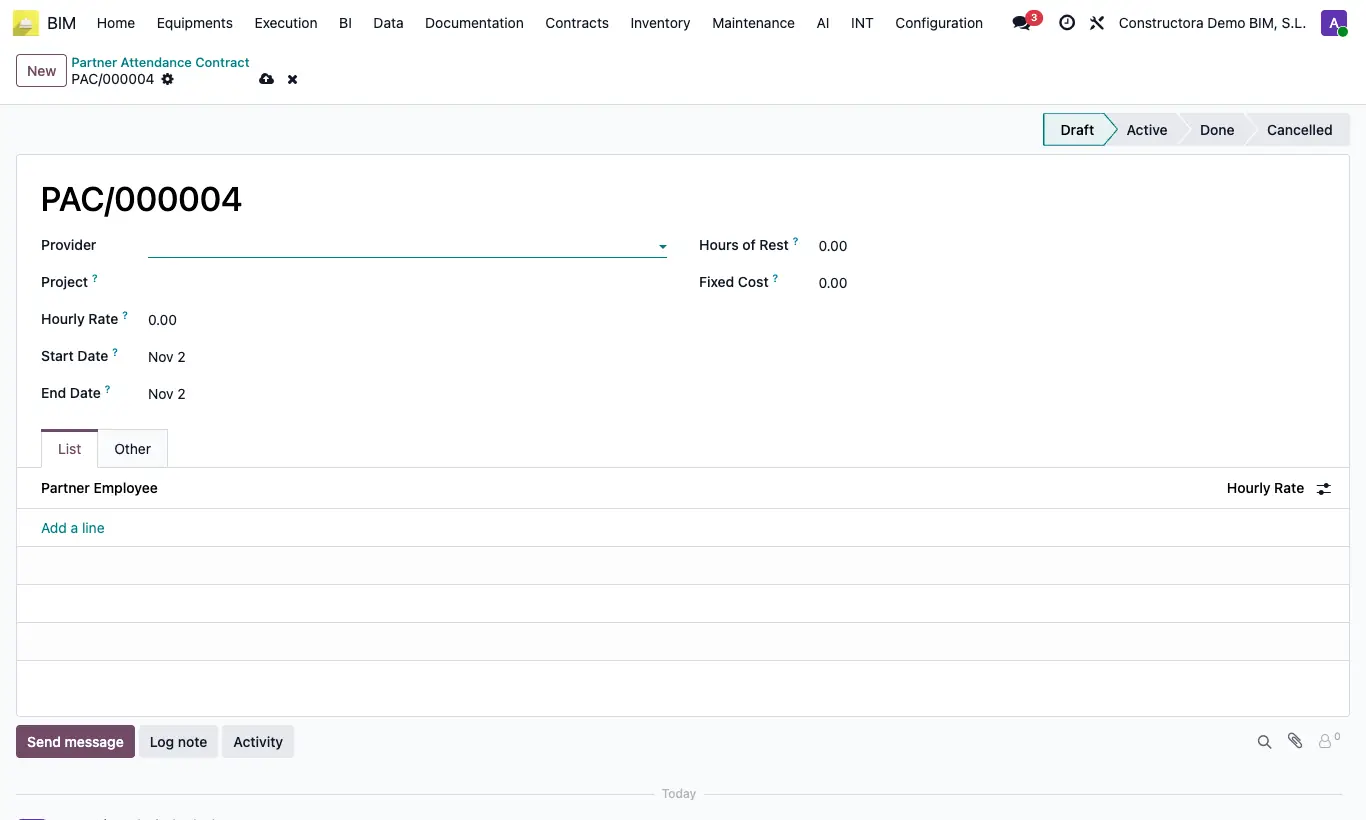
Steps
- Click New and choose in Provider the subcontracted company and the Project.
- Set the general Hourly Rate, the Start Date and End Date, the Hours of Rest per working day and a Fixed Cost if there is one.
- In the List tab add the workers with their Hourly Rate if it differs from the general one.
- Move the contract to Active in the status bar.
Warning
There cannot be two active contracts for the same company and project with overlapping dates: you get “Another active contract with the same customer and project and overlapping dates already exists”.
The lines and the rest hours can only be edited in draft.
Site note
Workers must be contacts that belong to the contract's company.