Where BIM › AI › Models
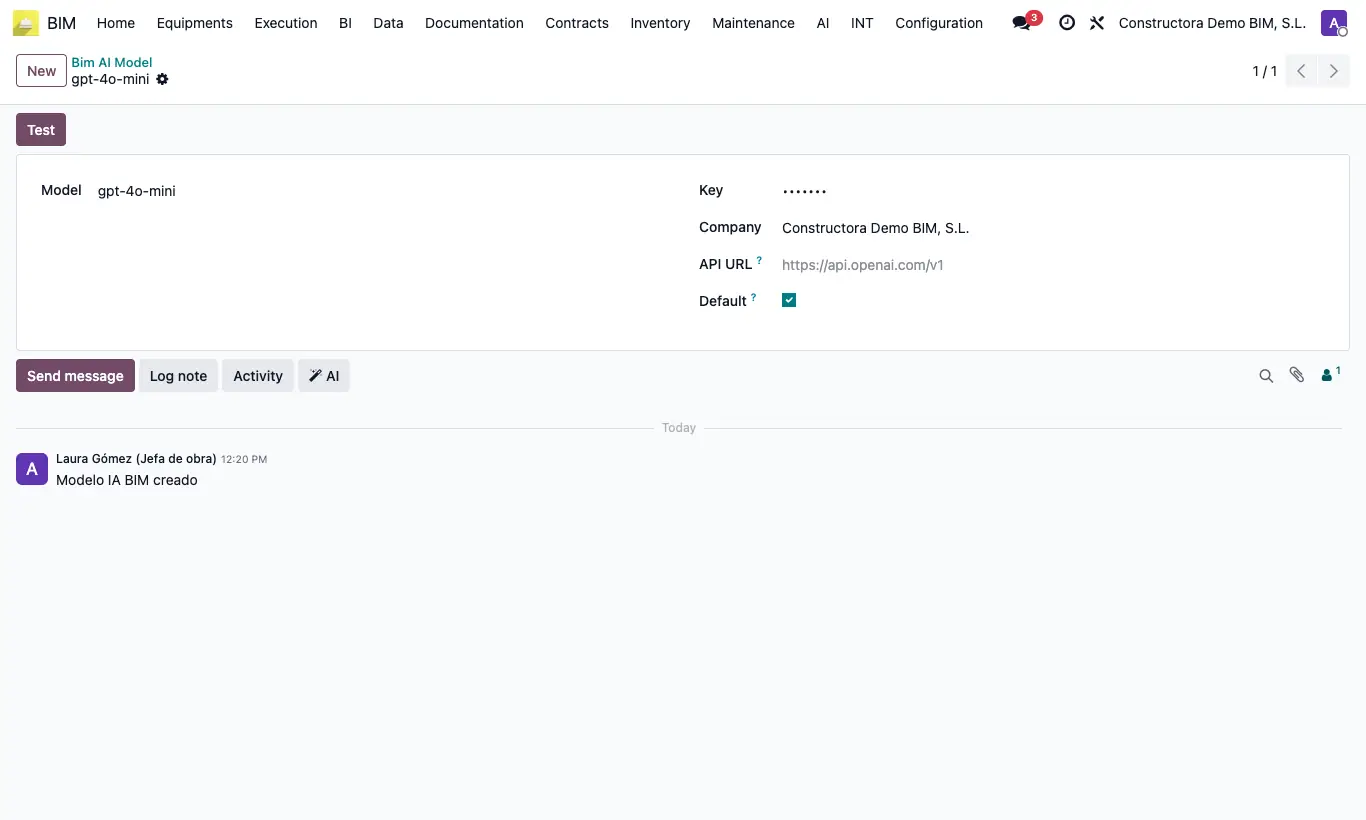
Steps
- Give the user the IA profile.
- Go to AI › Models and click New.
- Choose the model (for example gpt-4.1 or deepseek-chat).
- Paste the API Key from your provider account. Leave the URL empty for OpenAI or DeepSeek.
- Tick Default and click Test.
Warning
Treat the key like a password: whoever has it can run up charges on your account.
What you ask leaves your server for the provider. Check that it fits the confidentiality of your projects.