Where BIM › INT › Concepts importer › Database Concept Importer
Before you start
BIM Integrations profile.
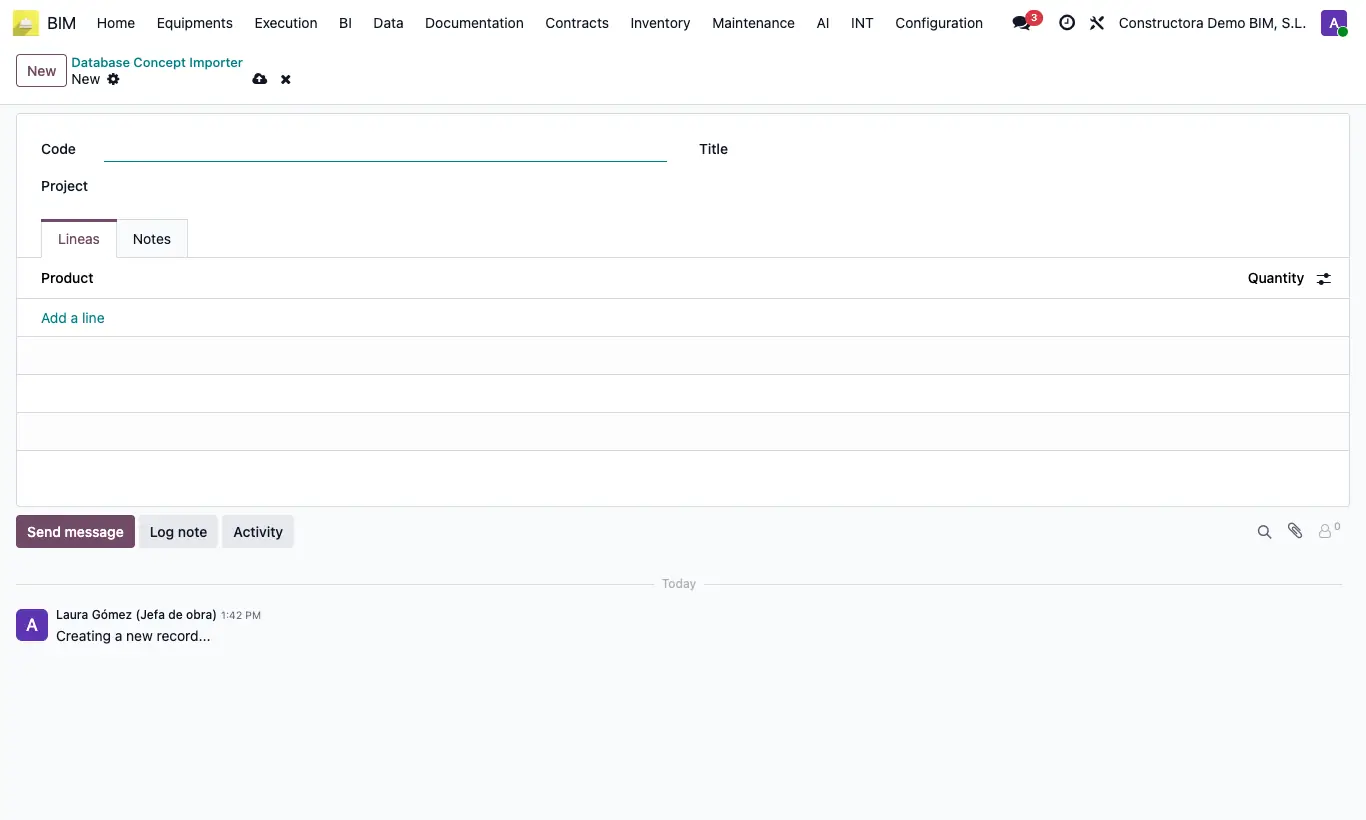
Steps
- Go to INT › Concepts importer › Database Concept Importer and click New.
- In Code type the item code it will apply to; add a Title.
- In Lines add the products with their Quantity. If it should only apply to some projects, choose them in Projects.
- Open the budget and, in Actions, choose Concepts From Database.
- Choose the price: Price Components (each resource takes the price of its product) or Concepts Price (the item's current price is distributed among the new resources, in proportion to their quantities).
- Leave Replace Concepts checked to replace the resources the items already have and click Process Concepts.
Site note
Only products of type material, labor or equipment are used.