Where BIM › Home › Projects › Budgets › Actions › Resource Balance
Scheduled items with start and end dates. A resource template with the available quantities.
Steps
- Prepare the template in Execution › Programming › Resource Template: one line per labor or equipment resource with the Quantity you have available.
- In each budget, in the header, choose that template in Default Resource Template and save.
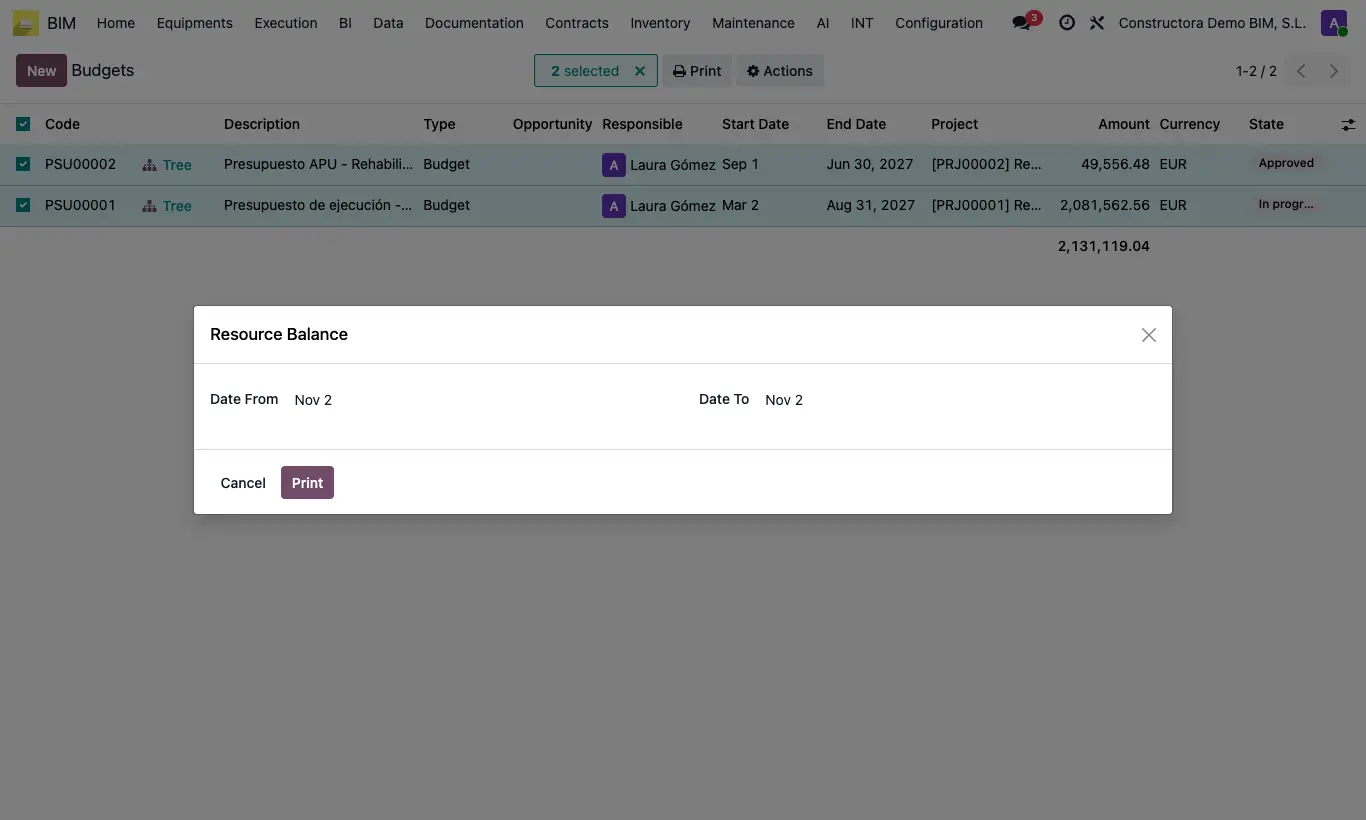
- Go to Home › Projects › Budgets (list view) and tick the budgets. You can also do it from a budget's form.
- Open Actions and choose Resource Balance.
- Check Date From and Date To: they suggest the start of the first item and the end of the last.
- Click Print and open the Excel: per budget and resource, the Code, the Type, the quantity of the Template and, in each month, the maximum quantity that coincides on a single day. At the end, the TOTALS block adds up all the budgets.
Budgets without a Default Resource Template are left out. If none has one: "You must assign resource templates to the budgets before printing the balance".
All ticked budgets must have the same template: "Only budgets with the same resource template can be compared".
Only items in progress on the Date From day or the Date To day count: those that start and end between those two dates come out as 0. Adjust the range to the items you want to compare.
The quantity for each day is the sum of the Availability of the resources of the items in progress that day. If a resource has no dates of its own, it uses those of its item.