Where Budget › Budget History
Before you start
BIM Administrator profile.
Steps
- Open the budget and click Budget History.
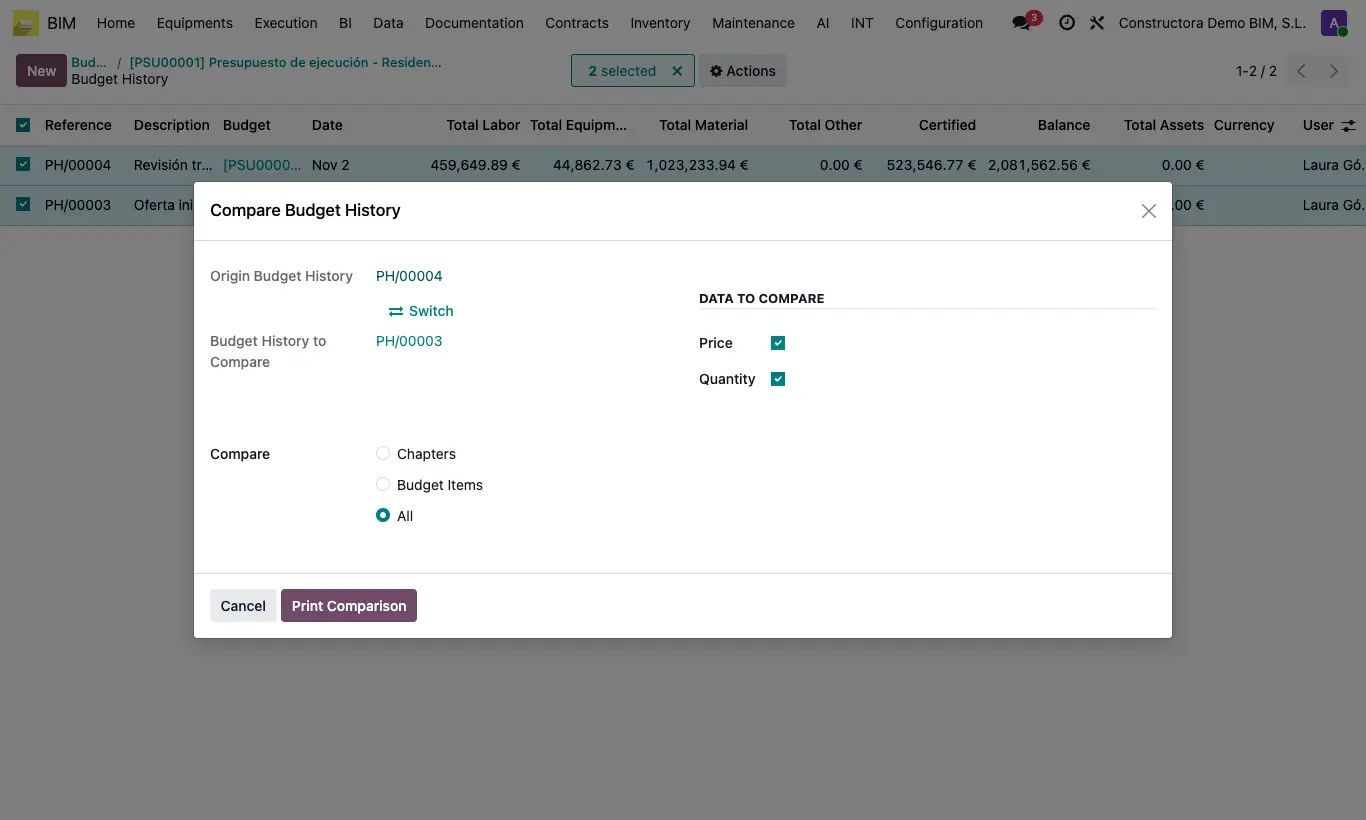
- In the list, check exactly two histories.
- Open Actions and choose Compare Budget History.
- Check Origin Budget History and Budget History to Compare; use Switch to swap them.
- In Compare choose Chapters, Budget Items or All, and in Data to compare check Price and/or Quantity.
- Click Print Comparison.
Warning
If you check one or three histories, the notice "You must choose only 2 budgets to be able to compare." appears.