Where BIM › Config › Accounting › Closing Expenses
Before you start
BIM Manager profile.
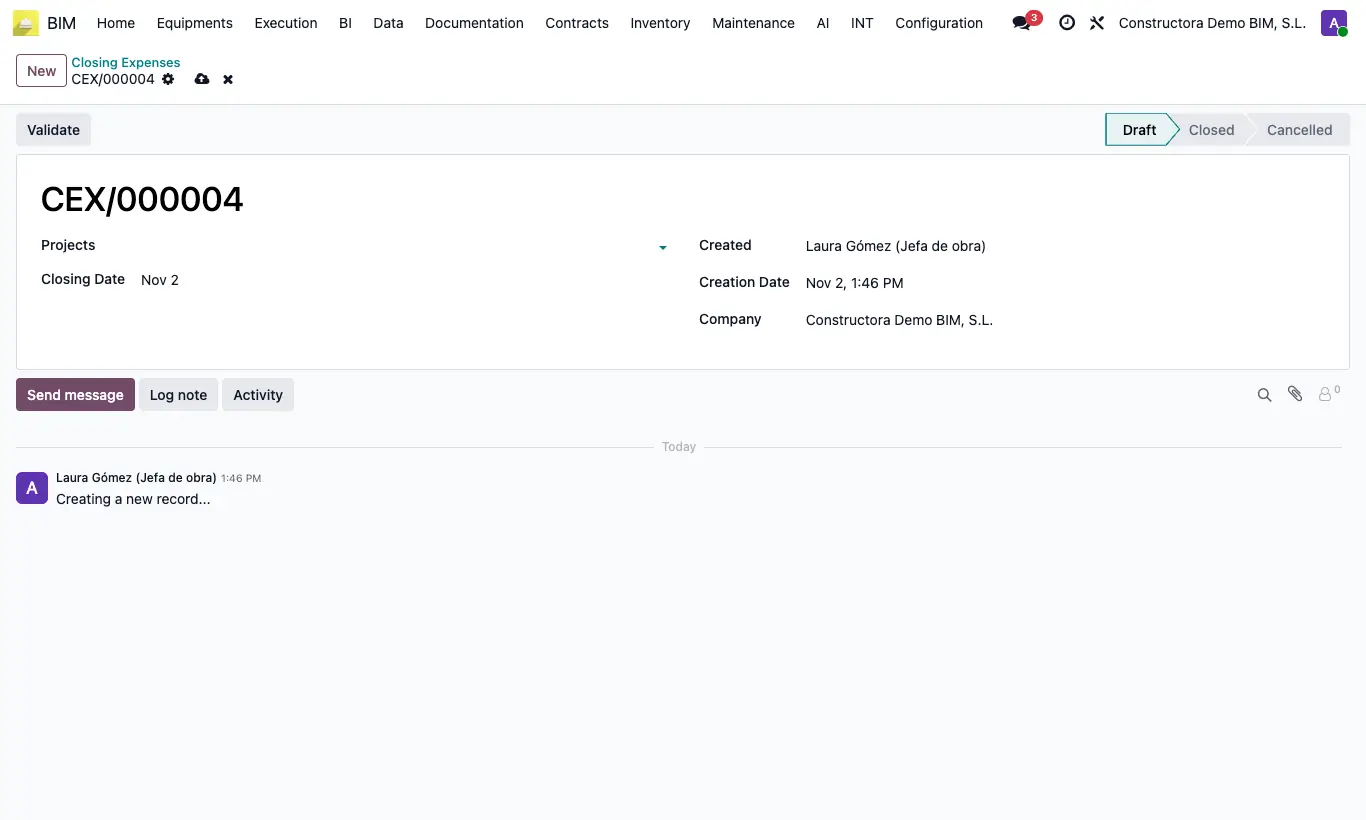
Steps
- Go to Config › Accounting › Closing Expenses and click New.
- Choose the Projects and the Closing Date.
- Click Validate: it moves to Closed.
- To reopen the period, click To Draft.
Warning
With the closing in Closed you cannot validate delivery notes of those projects or finish measurement captures dated on or before the Closing Date: “There is a closed expense closing for this project later than the date of this document…”.