BIM 2.0Odoo 19

Process manual

Search for what you want to do and follow the steps. Each process shows where it is in the menu, what you need first and which mistakes to avoid.

The life of a project

Certification and billing

How do I certify directly from the tree?Certify whole items or chapters without creating the certification by hand.

Where Budget › Concepts
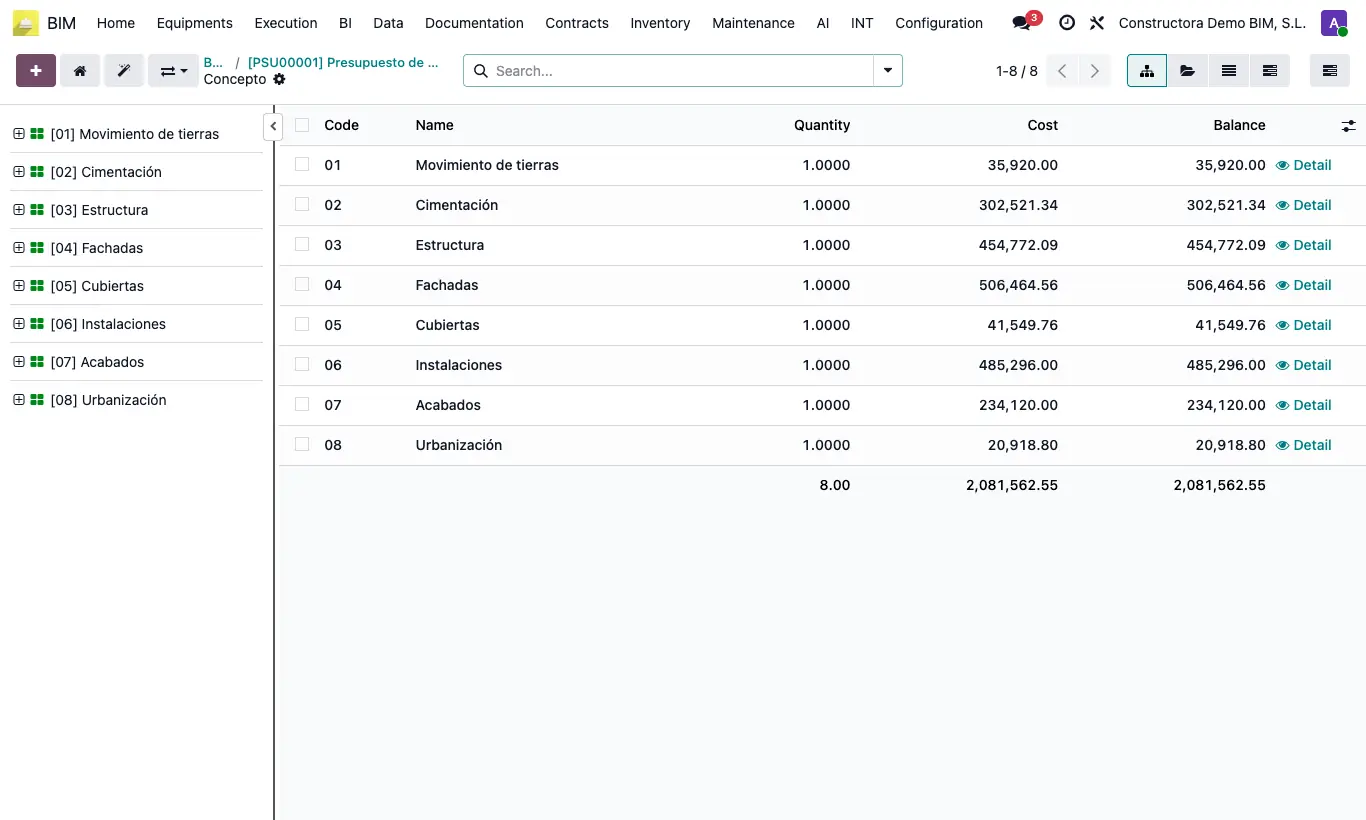
How do I certify directly from the tree?

Steps

  1. Open the budget tree.
  2. Switch the selector to Certification mode to see accumulated quantities and %.
  3. Select items or chapters (Ctrl or Shift + click for several).
  4. Right click › Certify.
Site note

To certify many chapters at once there is Home › Certifications › Massive Chapter Certification (requires permission to certify chapters).

Documented version: BIM 2.0 (base_bim_2 19.0.19.04.2026) · Odoo 19