BIM 2.0Odoo 19

Process manual

Search for what you want to do and follow the steps. Each process shows where it is in the menu, what you need first and which mistakes to avoid.

The life of a project

Cash Flow

How do I classify the cash flow by categories?Group receipts and payments by your own treasury items.

Where BIM › Execution › Cash Flow › Cash Flow Category
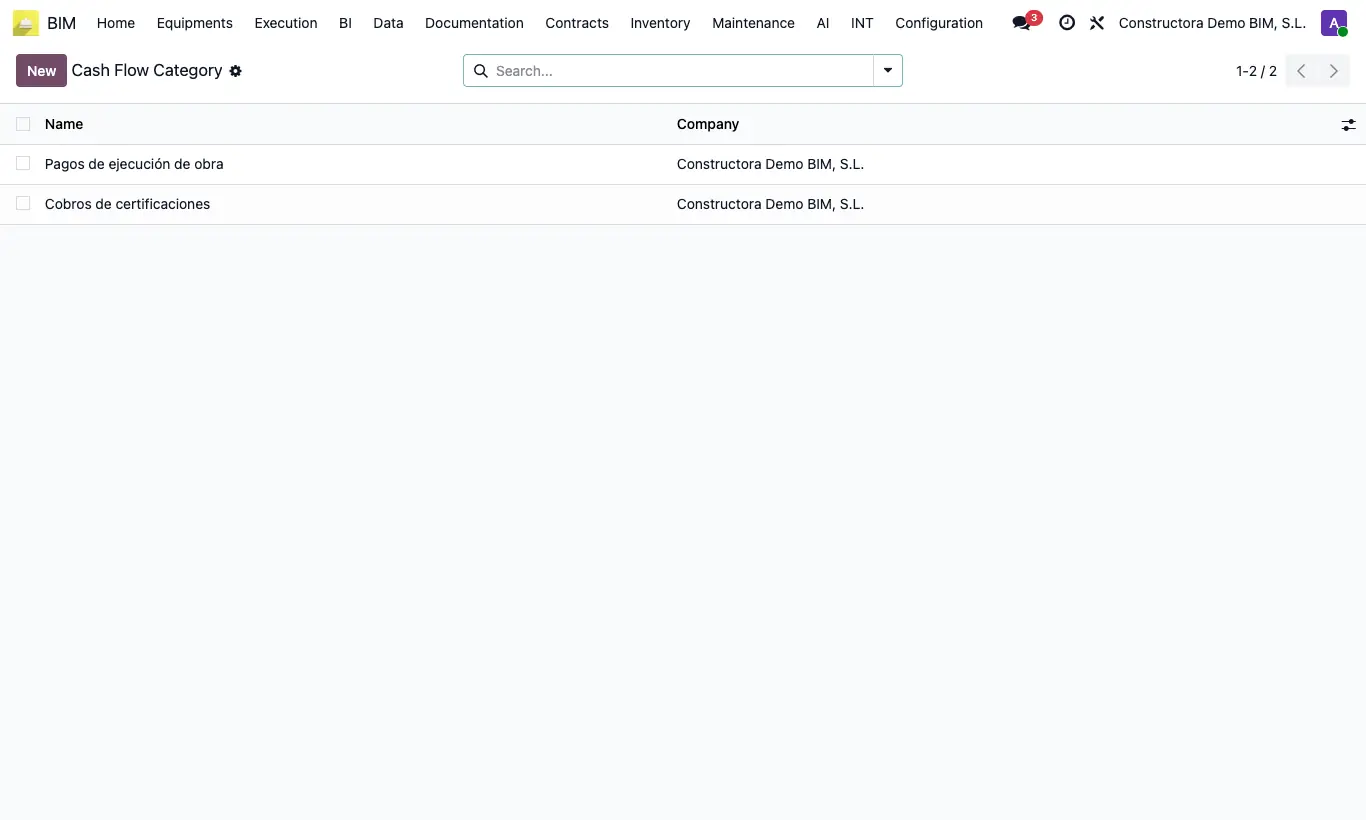
How do I classify the cash flow by categories?

Steps

  1. Go to Execution › Cash Flow › Cash Flow Category and create the categories you use (just the Name).
  2. In each Cash Flow Generator, choose its Category before running it: all the lines it generates carry it.
  3. On manual Cash Flow lines you can also set the Category.
  4. In the Cash Flow pivot table, group by Category.
Documented version: BIM 2.0 (base_bim_2 19.0.19.04.2026) · Odoo 19