BIM 2.0Odoo 19

Process manual

Search for what you want to do and follow the steps. Each process shows where it is in the menu, what you need first and which mistakes to avoid.

The life of a project

Machinery and tools

How do I configure equipment rates and catalogues?Rates by vehicle type, and brands and models of transport equipment.

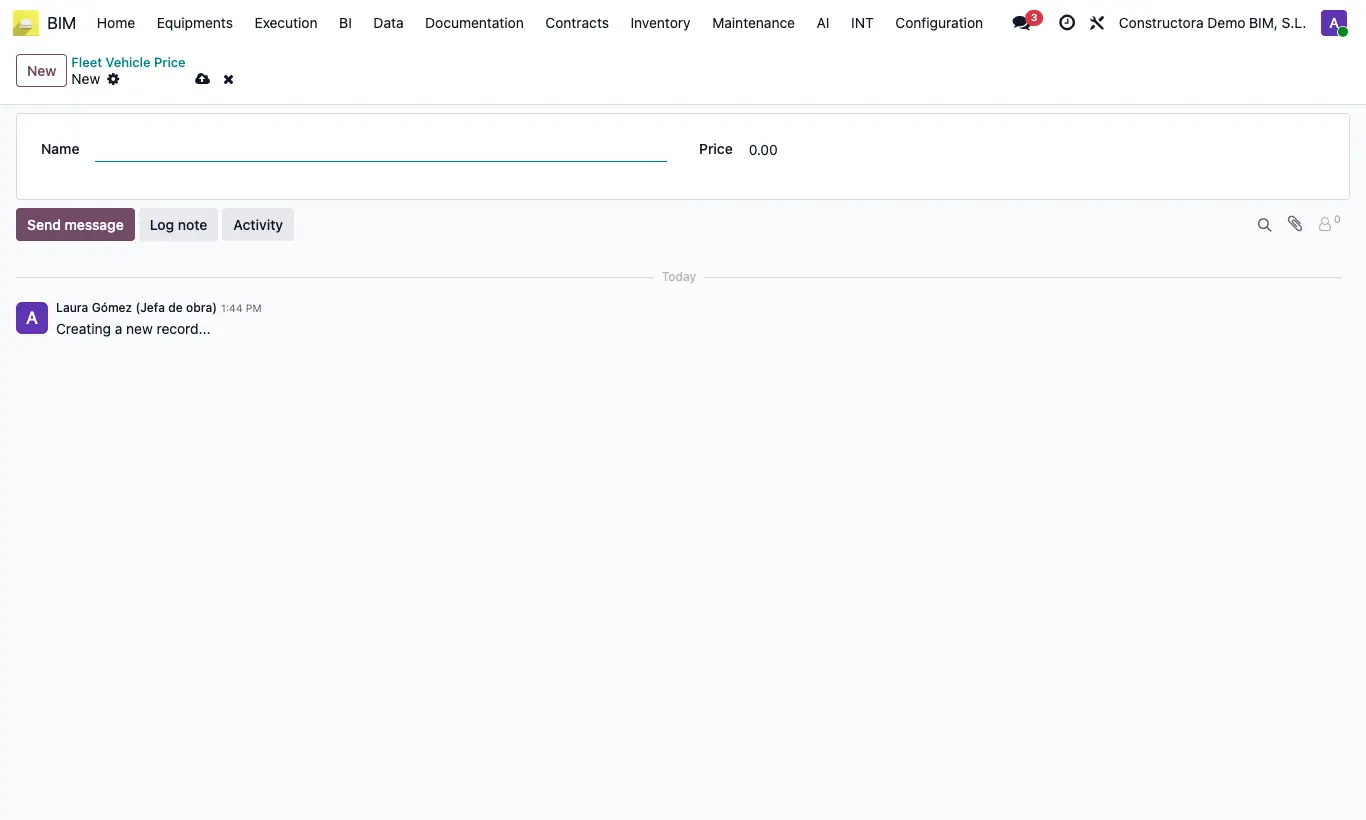
Where BIM › Equipment › Equipment › Fleet Vehicle Price
How do I configure equipment rates and catalogues?

Steps

  1. In Equipment › Equipment › Fleet Vehicle Price create each rate with Name and Price.
  2. Assign it to each piece of equipment in its Bim tab.
  3. In Config › Equipment › Brand Equipment and Model Equipment create the brands and their models (each model with its Brand).
Warning

BIM brands and models are not the fleet's: fleet equipment uses its own Model.

Documented version: BIM 2.0 (base_bim_2 19.0.19.04.2026) · Odoo 19