Where BIM › Data › Generals
Steps
- Go to Data › Generals.
- Concepts Phase: create the phases and, as children (Parent field), their subphases.
- Concepts Specialty: structures, installations, finishes...
- PCP: each PCP hangs from a subphase (Parent). Work Breakdown: each line hangs from a PCP.
- Budget Categories: they are chosen in the budget's Category field.
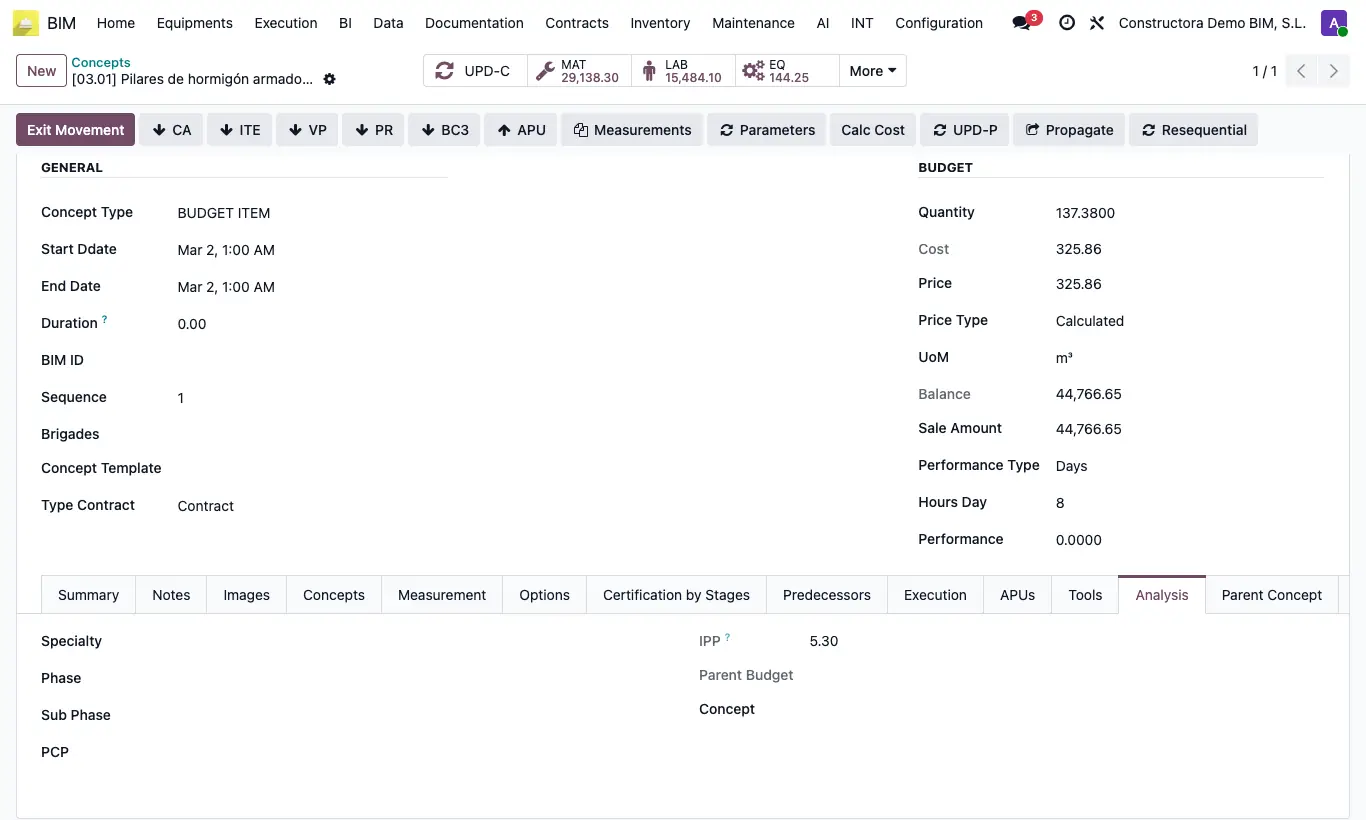
- In each item, Analysis tab, choose Specialty, Phase, Sub Phase and PCP; each list is filtered by the previous one.
Site note
With the item classified, in Home › Projects › Concepts you can show those columns and group by them.