Where BIM › Home › Management › Quality Control Plan
Before you start
Inspection types and register types created.
Steps
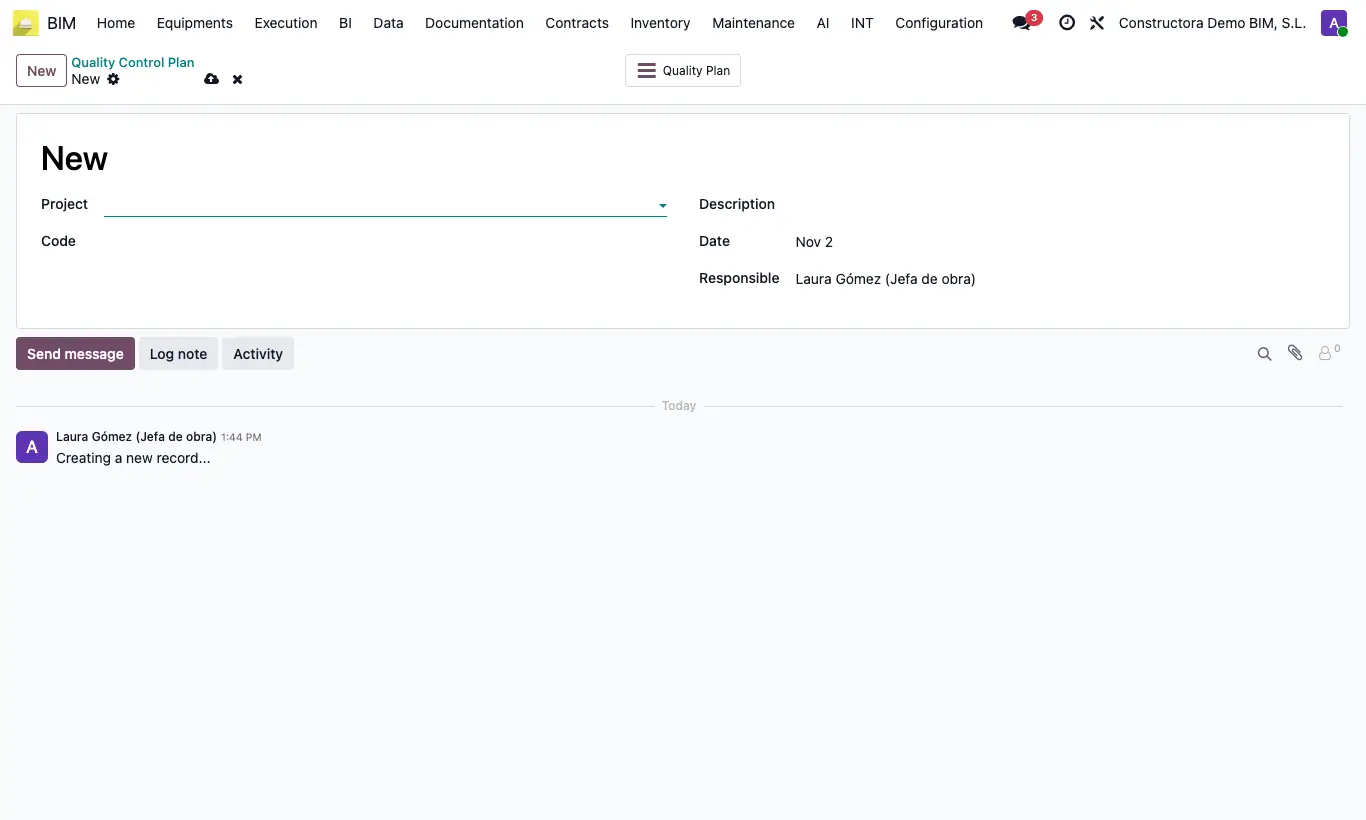
- Go to BIM › Home › Management › Quality Control Plan and click New.
- Choose the Project and enter the Code, the Description and the Date; check the Responsible.
- Save and click the Quality Plan button to open its lines.
- Add one line per control: Activity, Inspection Type, Responsible, Characteristic, Frequency and acceptance Criterion.
- Set the Register Type and the Register Related where the evidence will be kept.
- Link the Attachments (project documents) and the Check Lists that support it.
Warning
Activity, Inspection Type, Characteristic, Frequency, Criterion and Register Type are required on every line.
With the profile that only sees its own documents, you only see the plans of your projects or those you are responsible for.
Site note
From the project, the Quality Control button opens its plans (it appears once the project has at least one).
Contracts, licences and minutes are recorded in Documentation; see how to register a document.