Where BIM › Config › General Config › BIM Calendar
Before you start
BIM Administrator profile.
Steps
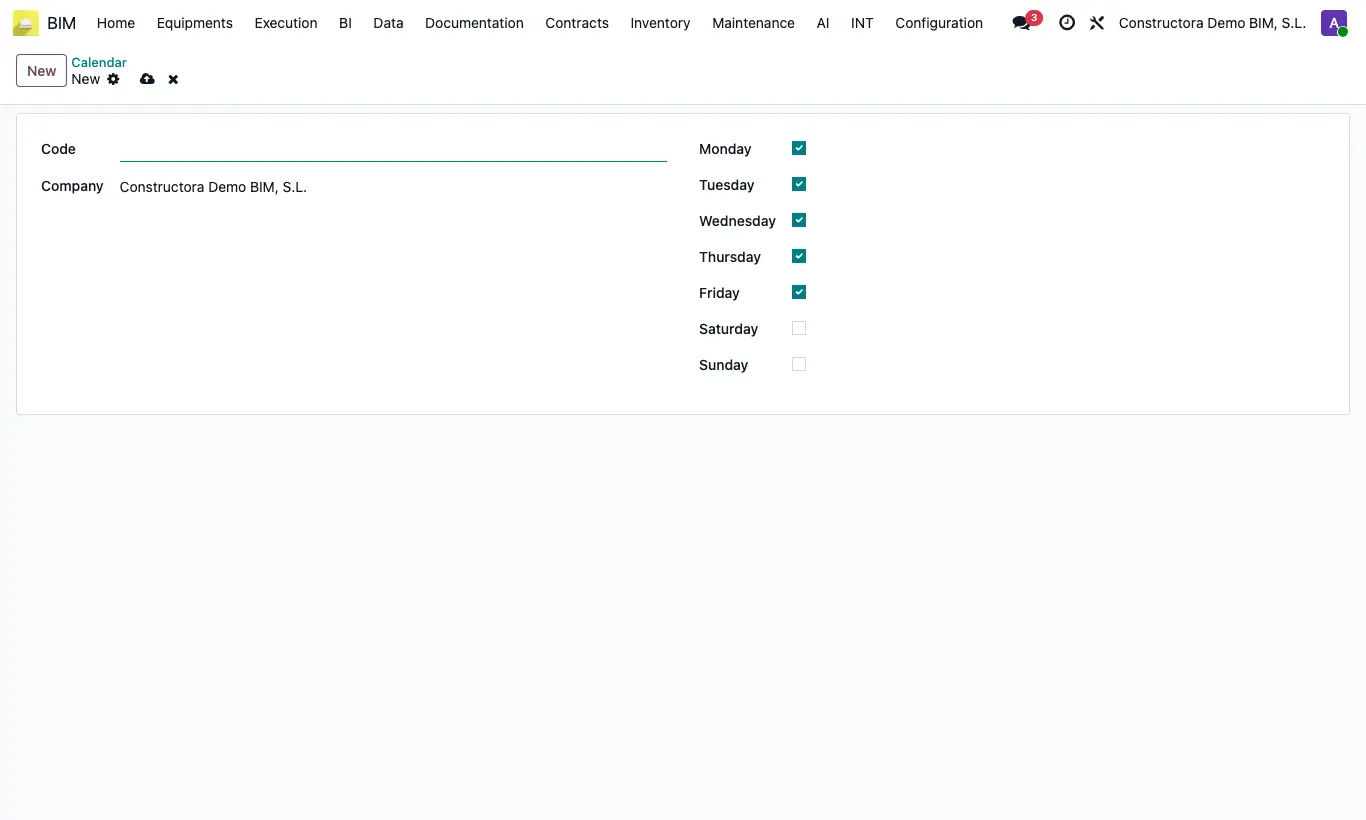
- Go to BIM › Config › General Config › BIM Calendar and click New.
- Type a Code (for example, "M-F" or "M-S").
- Check the days that are worked: Monday to Friday come checked; Saturday and Sunday, not.
- Open the budget, ST tab, and in Type Duration choose Date.
- In the same tab choose the Calendar.
- When you change the start and end dates of an item, its Duration becomes the number of working days between them.
Warning
The calendar only applies with Type Duration = Date. With Performance the duration comes from quantity ÷ performance, and with Manual it is not recalculated.
If the budget has no calendar, the duration counts all calendar days, holidays and weekends included.
The calendar does not know holidays: it only distinguishes days of the week.