Where Item › PR button
Before you start
A crew created in Execution › Programming › Resource Template.
Steps
- In the crew, Resources tab, show the optional columns Resourse Type and Quantity and check each line.
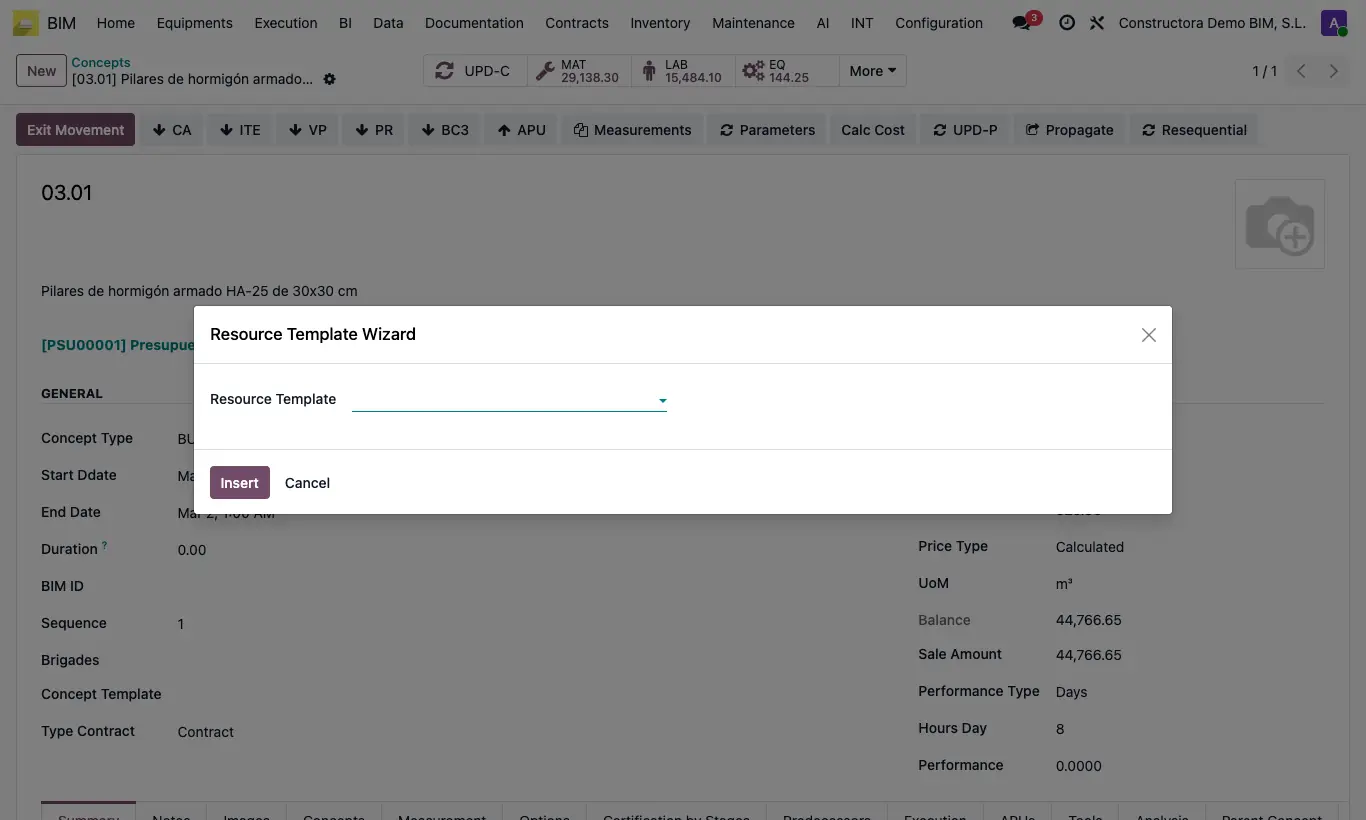
- Open the item in the budget and click PR.
- Choose the crew in Resource Template and click Insert: one resource is created per line, linked to its product and with its unit, its quantity and the product's Cost.
- Click UPD in the budget.
Warning
Lines without an employee come in as Labor by default: change their Resourse Type if they are materials or equipment.
Site note
Equipment lines come in as an EQUIPOS resource and Administrative lines as FUNCIÓN / ADMINISTRATIVO.
In the budget header you can note the planned crews in the Resource Template field.