Where Item › Physical Progress (%) · Gantt › % Phys. column
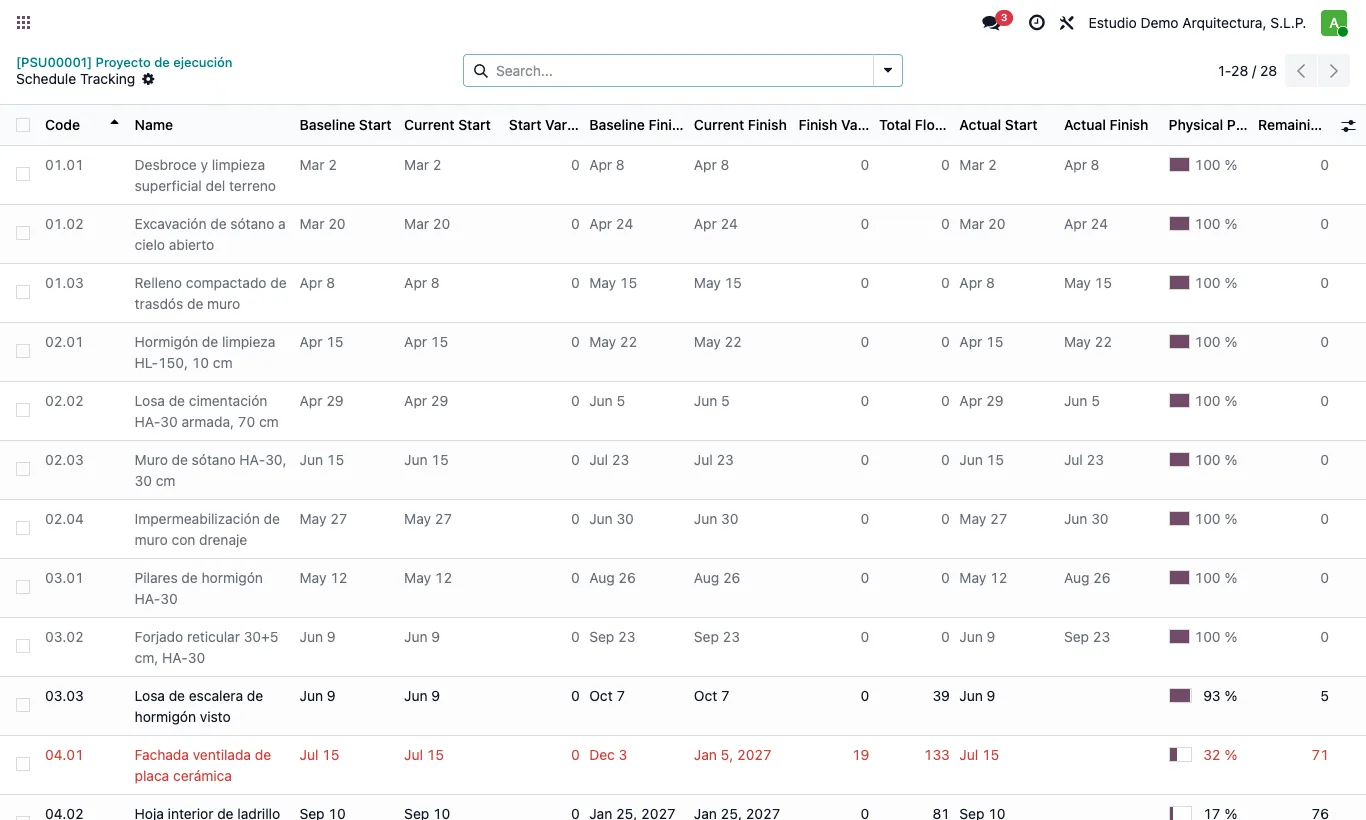
Steps
- In the Gantt type the percentage in the % Phys. column, or in the item form in Physical Progress (%).
- With progress above 0 the Actual Start is filled in; at 100 %, the Actual Finish. With 0 they are cleared.
- Correct the actual dates if they differ from the planned ones.
- Save: started items stay fixed at their actual start and the remaining work is rescheduled from there.
Warning
Physical progress is not the certification: certification is still the basis for invoicing.
Site note
In the Gantt physical progress is the dark stripe at the bottom of the bar; the fill is the certified %.