Where Item › CA, PR and BC3 buttons
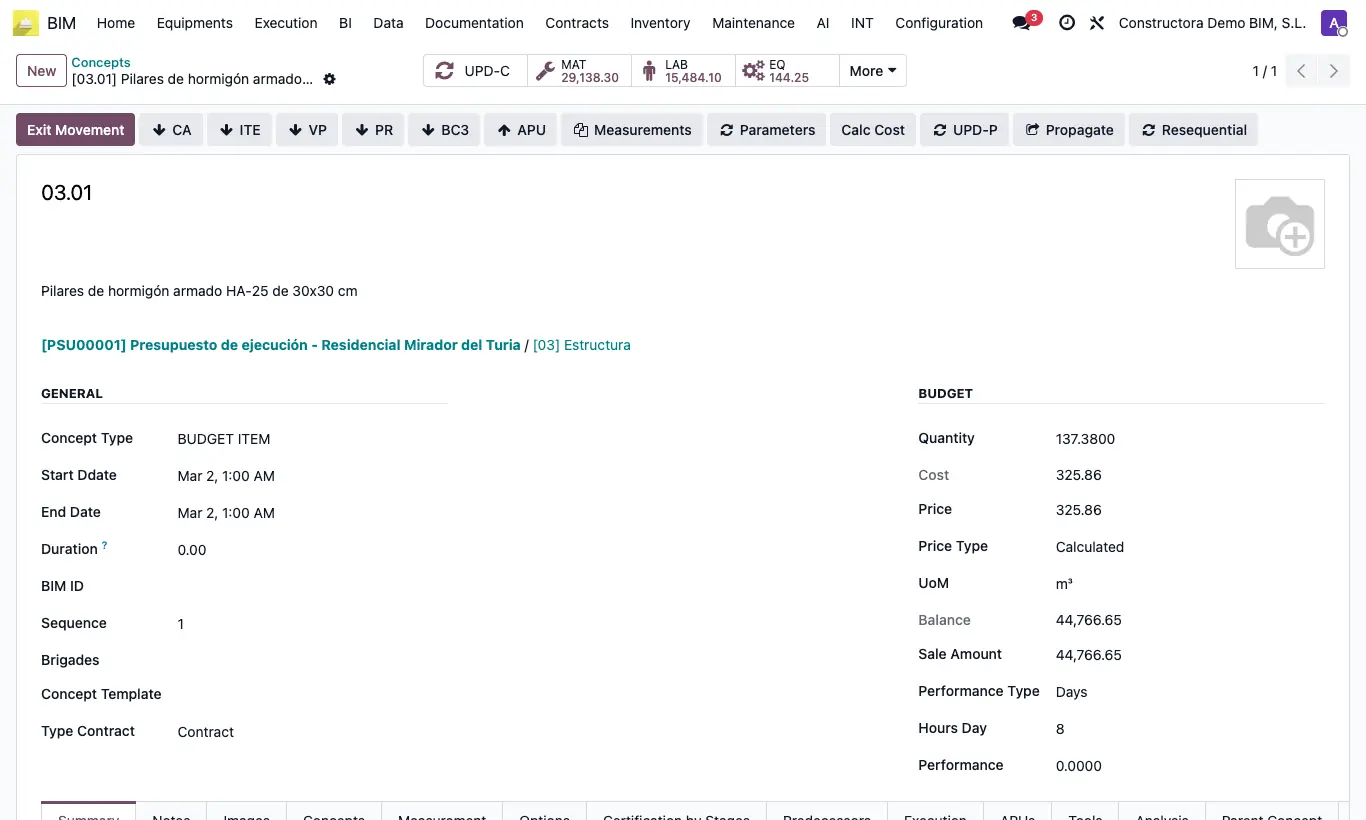
Steps
- Open the item (Enter in the tree).
- CA (Concepts Wizard): write lines with Type (Labor, Equipment, Material or Subcontract), Product (or code and description), UOM, Quantity and Cost; click Execute. If you do not give a product, a new one is created.
- PR: choose the template in Resource Template and click Insert: one resource per line is added, linked to its product and with the product's current cost.
- BC3: upload the file in BC3 File and click Continue: its concepts hang from the item (it also works on chapters).
- Click UPD in the budget.
Site note
In CA, each line comes in with its type: those of Equipment as an EQUIPOS resource. New Material products are created as storable and the rest as services.
In PR, Equipment lines come in as EQUIPOS and Administrative lines as FUNCIÓN / ADMINISTRATIVO.