Where BIM › Data › Partner Attendances
Before you start
Each worker registered as a contact (person) of the subcontractor company.
Steps
- In Data › Partner Attendances › Partner Contract click New: choose the company in Provider, the Project, the Hourly Rate and the dates.
- If applicable, set Hours of Rest and Fixed Cost, and on the lines a different Hourly Rate for a particular worker.
- Click Active in the status bar.
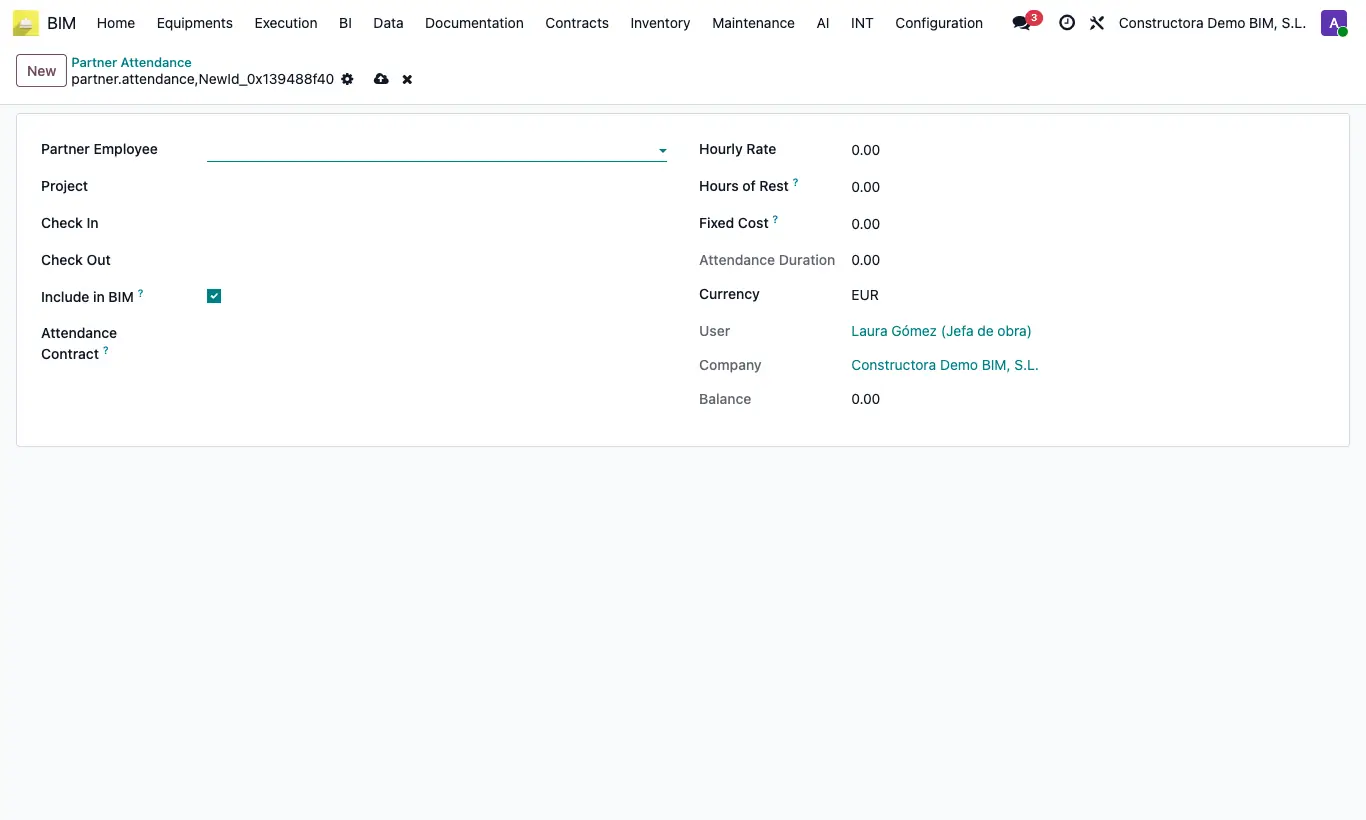
- In Data › Partner Attendances › Attendance click New: choose the worker in Partner Employee, the Project, Check In and Check Out.
- Choose the Attendance Contract: rate, rest and fixed cost are copied. Check Attendance Duration and Amount.
Warning
You can only choose Active contracts of the worker's company for that project.
You cannot activate two contracts for the same company and project with overlapping dates.
Site note
Amount = (Attendance Duration − Hours of Rest) × Hourly Rate + Fixed Cost.
With Include in BIM ticked, the amount adds to the project costs as Partner Attendance.