Where BIM › Data › Partner Attendances › Attendance
Before you start
An active attendance contract for the company and the project.
Steps
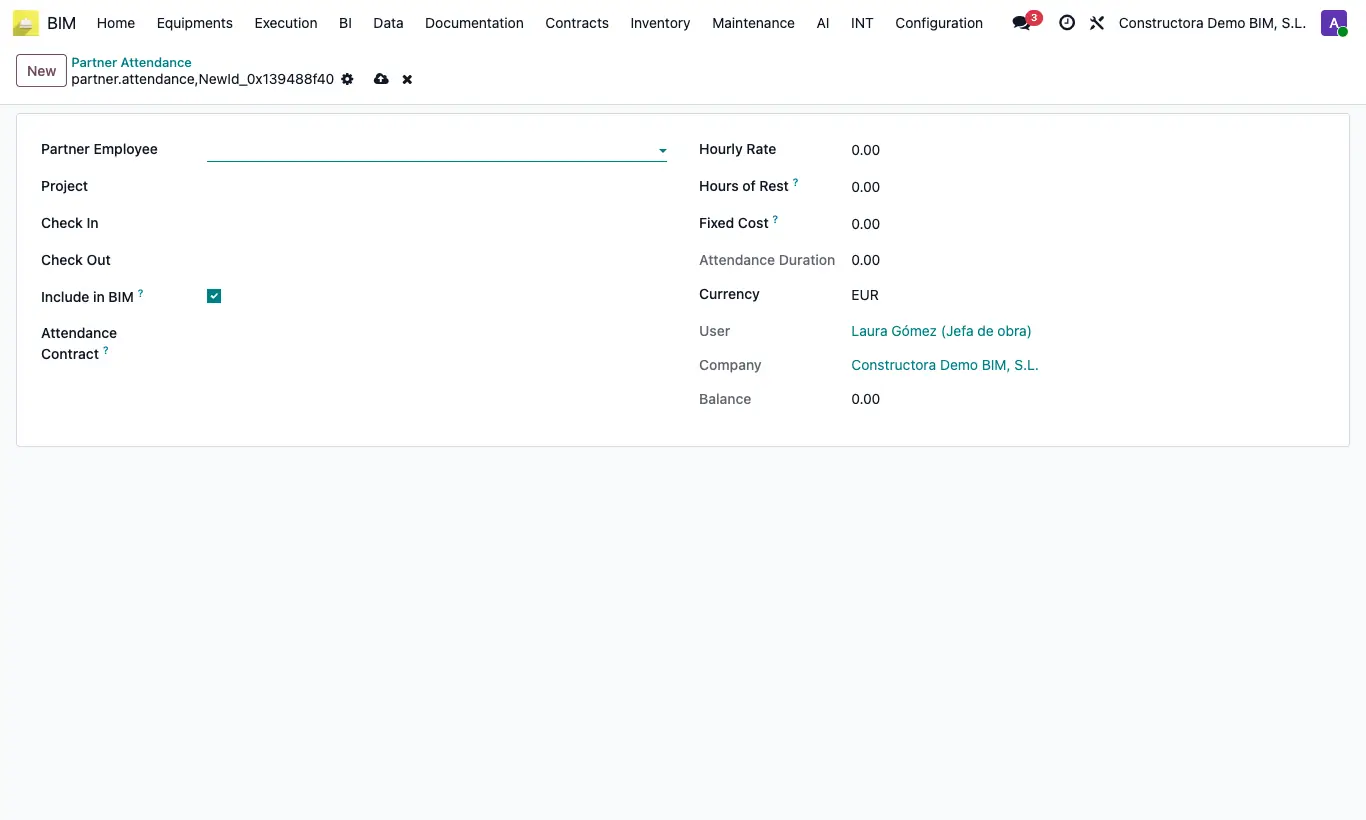
- Click New and choose the worker in Partner Employee (contact of the subcontracted company).
- Choose the Project: only projects with a contract for that company appear.
- Set Check In and Check Out.
- Choose the Attendance Contract: Hourly Rate, Hours of Rest and Fixed Cost are filled in.
- Check the Attendance Duration and the Amount = (hours − rest) × hourly rate + fixed cost, and that Include in BIM is on.
Site note
The project adds these amounts to its cost when you click UPD; the project's P. Attendance button shows them.