BIM 2.0Odoo 19

Process manual

Search for what you want to do and follow the steps. Each process shows where it is in the menu, what you need first and which mistakes to avoid.

The life of a project

Purchases and expenses

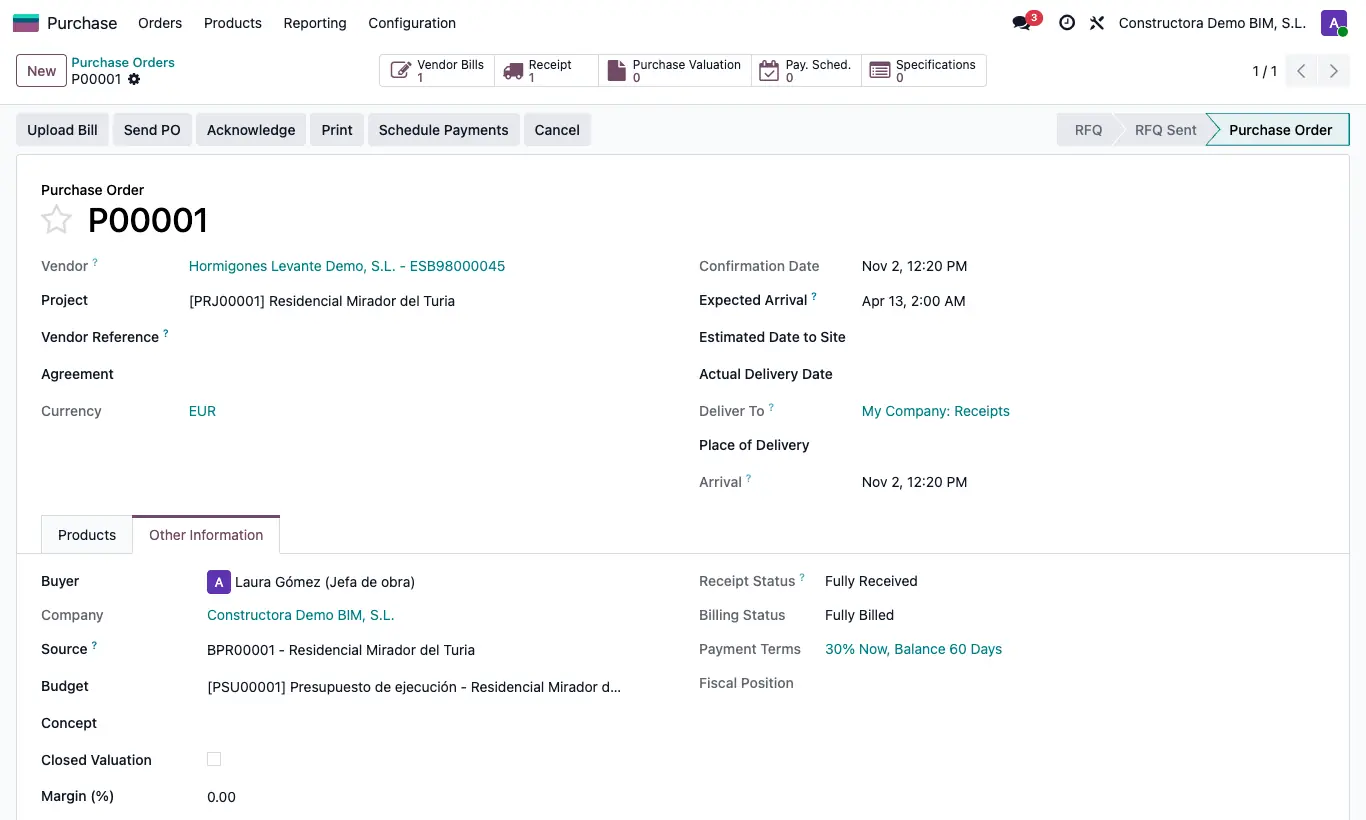
How do I pass the prices of a purchase order to the budget?Copy the purchased price, with or without margin, into the budget's resources.

Where Purchase › Orders › Orders
How do I pass the prices of a purchase order to the budget?

Steps

  1. Open the order and choose the Budget.
  2. If you want to sell with a margin, set the Margin (%).
  3. Click Update Budget.
  4. Each budget resource with the same product receives the order price as its Cost (with margin: price / (1 − margin/100)).
  5. Click UPD on the budget to recalculate.
Warning

Without a budget on the order you get “You must select a budget”.

The cost of that product is overwritten in all items of the budget, not just one.

Documented version: BIM 2.0 (base_bim_2 19.0.19.04.2026) · Odoo 19