Where Settings › Users & Companies › Users
Before you start
Administrator role. Brigades created.
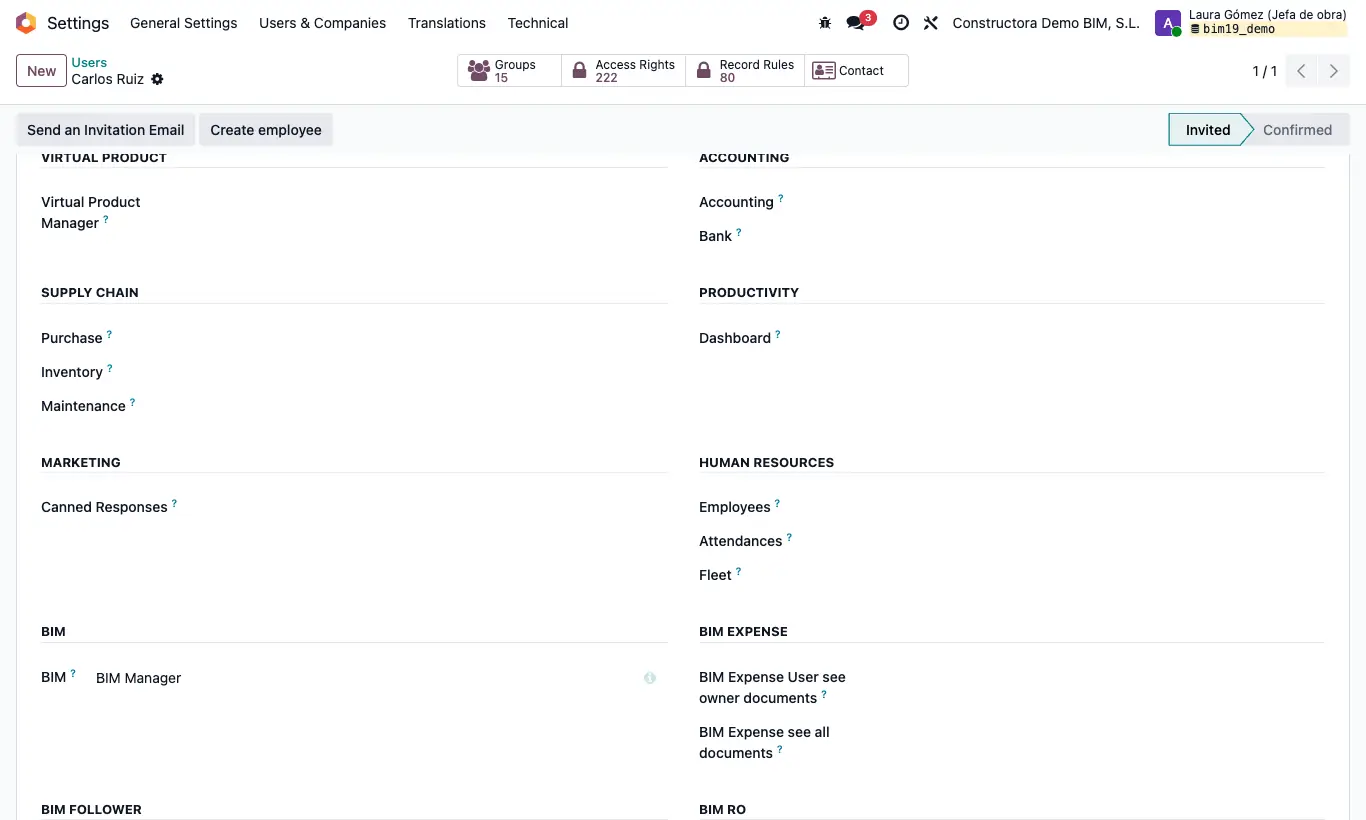
Steps
- Create the user with Role User.
- In Access Rights, leave the BIM dropdown empty and, in the BIM EXTRA section, choose only Diary Part: the Diary Parts app appears in their main menu, without the BIM app.
- Check that their Brigade exists with its employees and managers: every report needs it.
- If they also request material, add Menu Material Request: they will see the Purchase Requisition app.
- Ask them to log in, open Diary Parts and click New.
Warning
With only Diary Part they can choose any project in the report. If you give them BIM User see owner documents to limit them, they will also see the BIM app.
There is no separate profile for approving: whoever has the app can take the report through all its states, including Approve and To Done.
Site note
The lines, lost hours, settlements and reports of daily reports are in BIM › Execution › Daily Parts, only for users with the BIM app.