Revit and Odoo ERP
Revit and Odoo ERP, with BIM 2.0, let you connect the BIM model with the company's financial management: from the Revit model to the estimate and certifications in Odoo. These four video lessons guide you step by step (the videos are in Spanish).
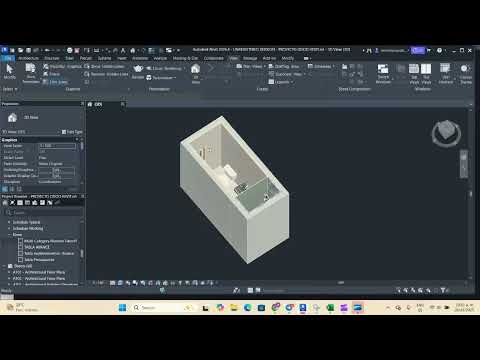
Lesson 1: create the schedule and export your project
In the following video you will learn how to create a materials schedule in Revit and export the data needed to integrate it with Odoo ERP through BIM 2.0.
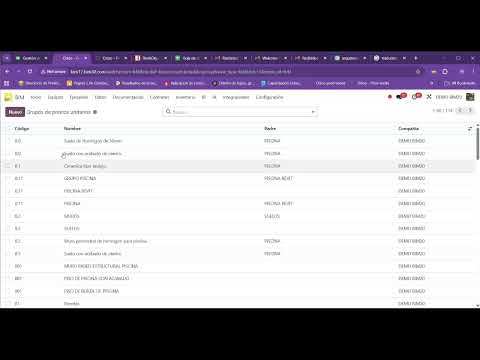
Lesson 2: set up the unit price analyses in Odoo for the Revit schedule
In the following video you will learn how to set up unit price analyses (UPA) in Odoo so they match the schedule exported from Revit, making cost and estimate management easier.
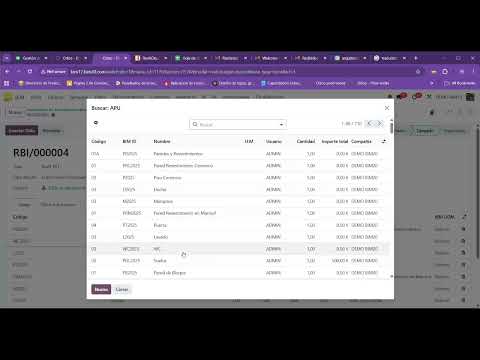
Lesson 3: import estimates from Revit into Odoo
In the following video you will learn how to import estimates from Revit into Odoo with BIM 2.0. For the process to work, you need the Revit schedule exported and the UPAs set up in Odoo.
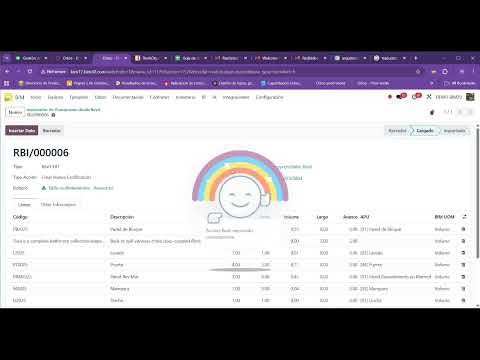
Lesson 4: import certifications from Revit into Odoo
In the following video you will learn how to import certifications from Revit into Odoo with BIM 2.0, so you can track progress certifications from your BIM model.
More information
For more details on how to integrate Revit with Odoo ERP through BIM 2.0, request a demo with one of our Odoo experts for construction.